F5 Gang System
The Gang Menu (F5) is your central hub for creating, managing, and progressing your gang in Logic.
🎮 Opening the Gang Menu
- Press F5 to open the Gang Menu
➕ Creating or Joining a Gang
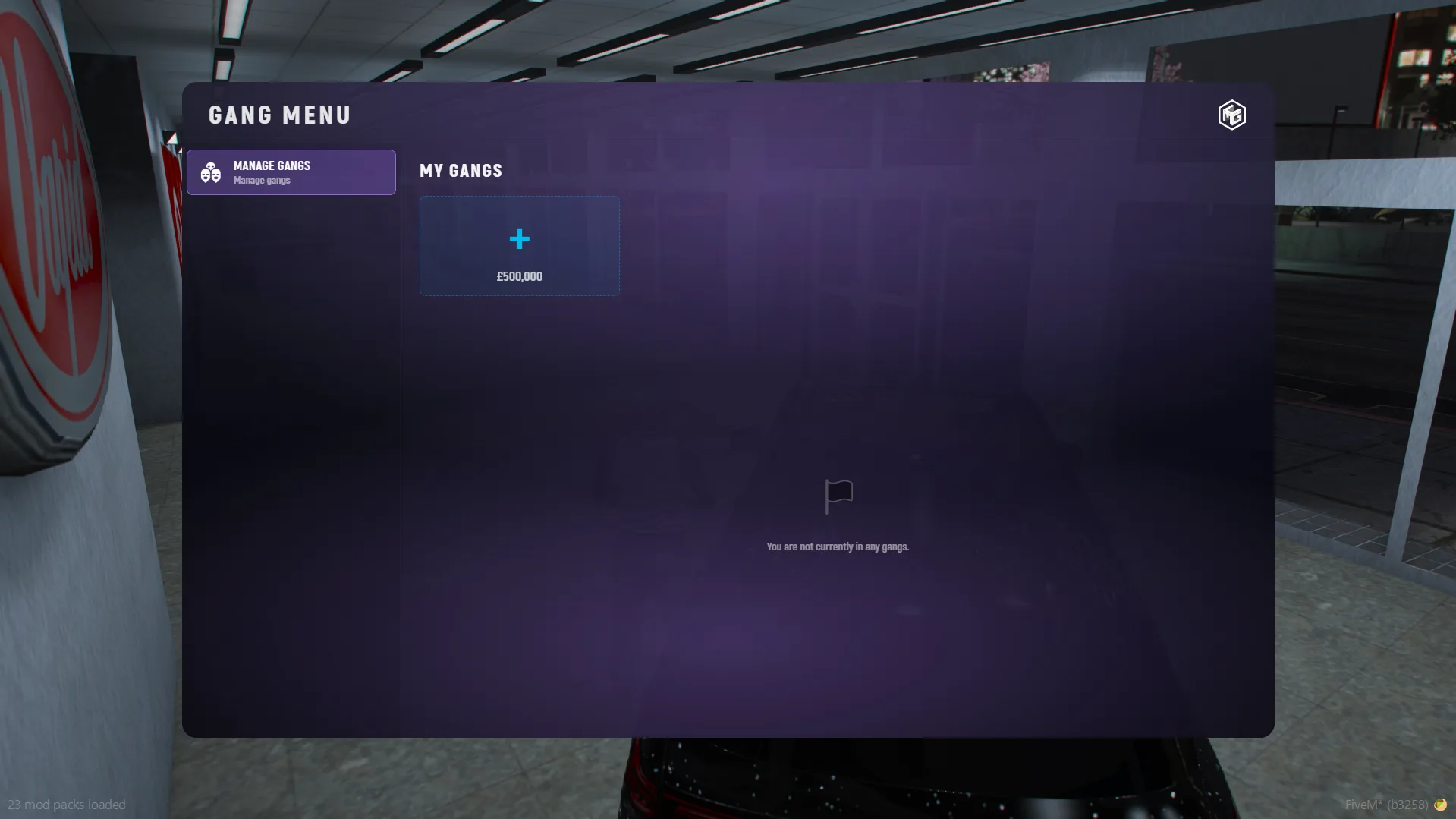
🏴 Create a Gang
- Open F5 Menu
- Select the option to create a gang
📩 Join a Gang
- When invited, open the F5 Menu
- You will see the invite
👉 Choose:
- ✅ Accept
- ❌ Decline

🧭 Gang Menu Tabs
Once you are in a gang, you will have access to multiple tabs:
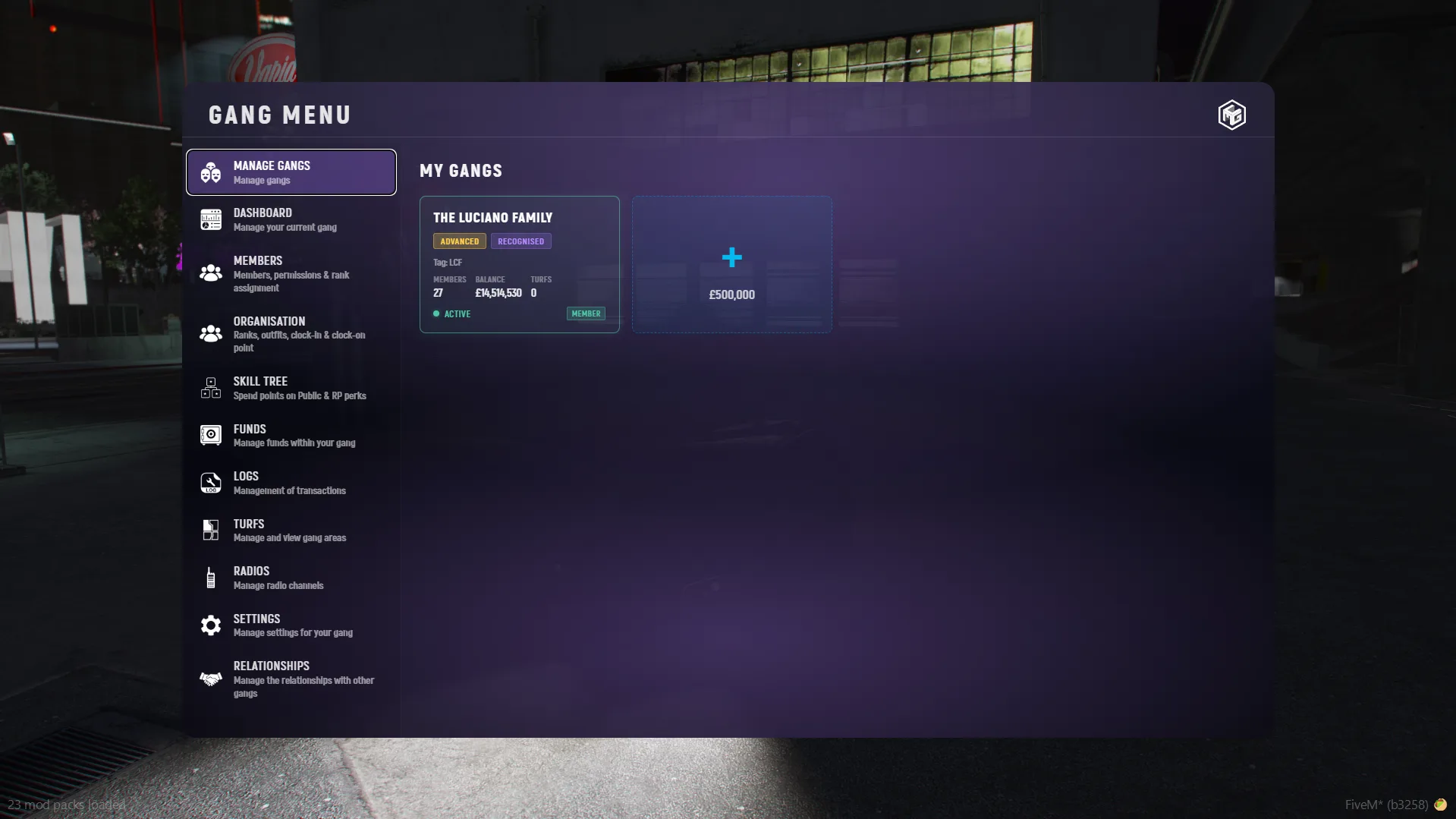
🛠️ Manage Gang
- Create new gangs
- Easily switch between gangs you are part of
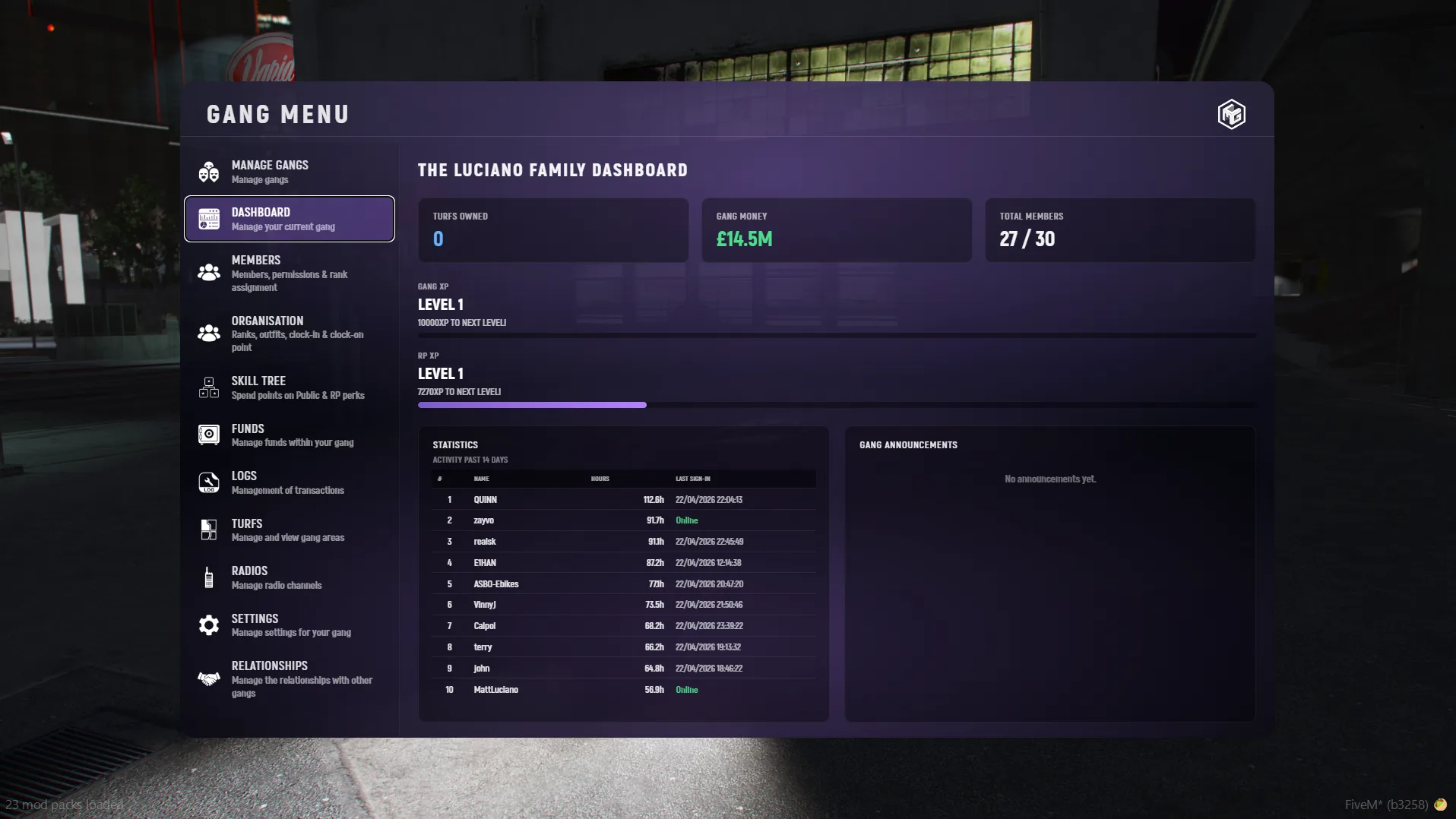
📊 Dashboard
- Overview of gang activity
- General stats and gang announcements
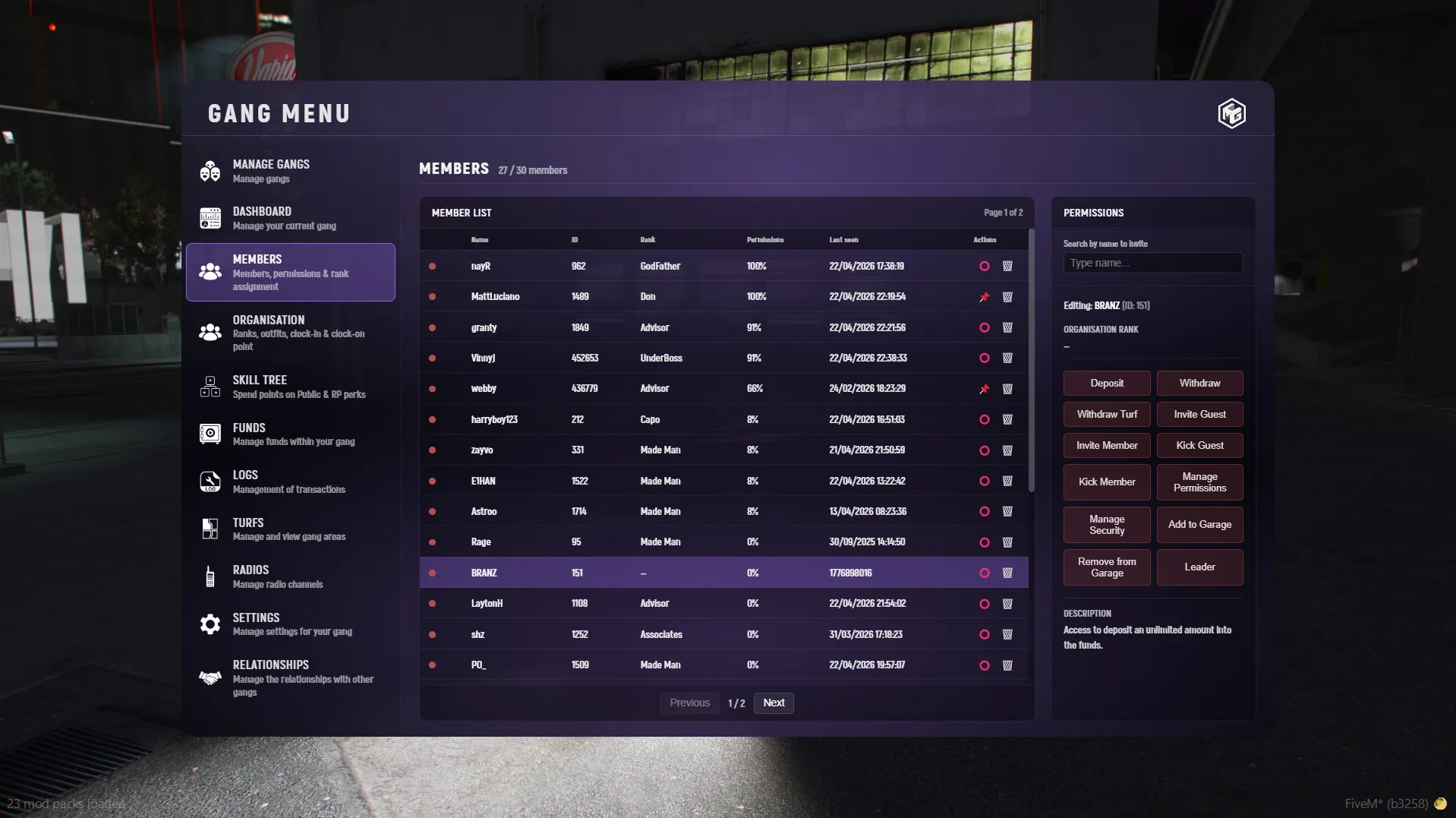
👥 Members
- View all gang members
- Manage roles and permissions
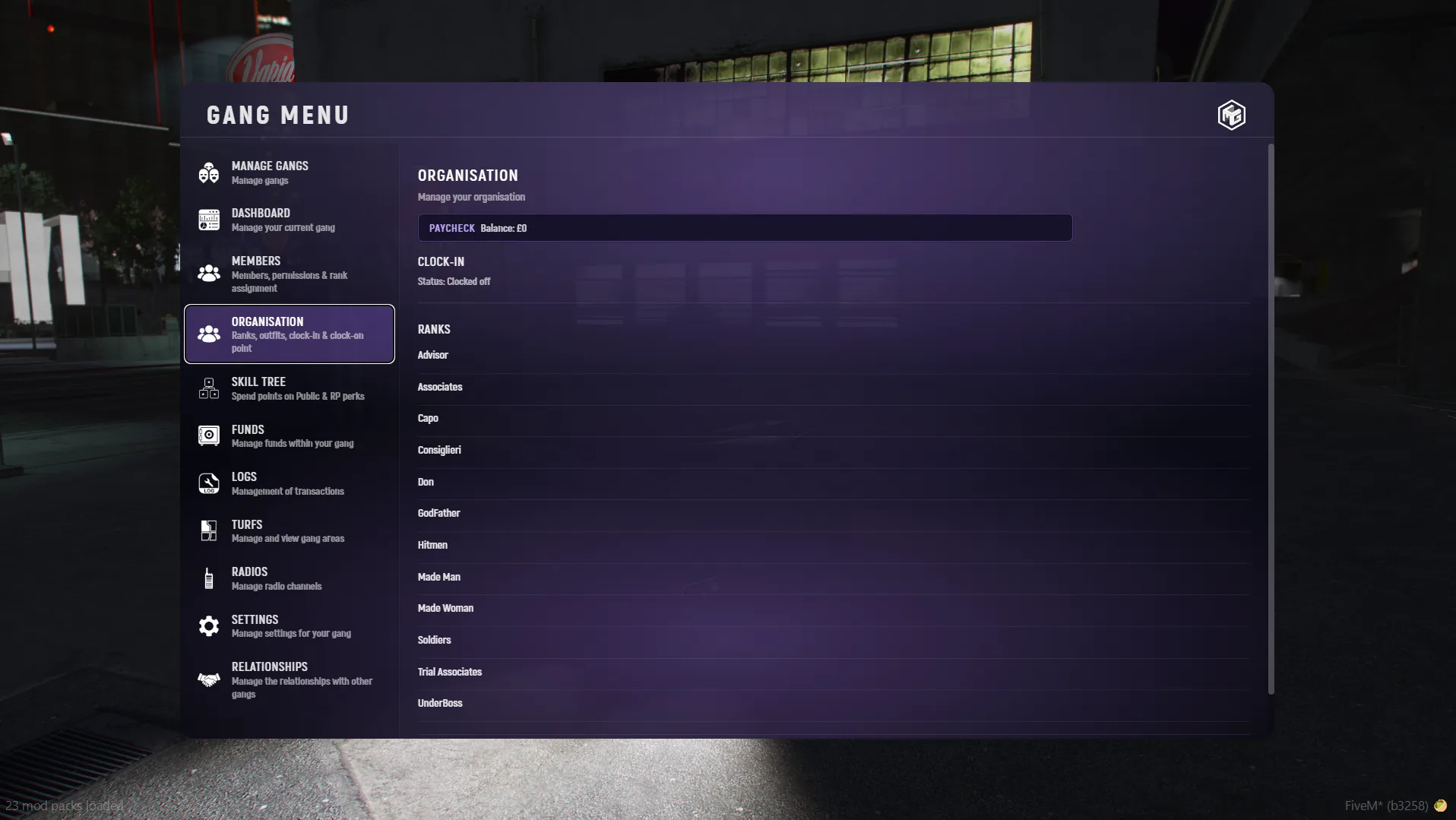
🏢 Organisation
- Manage gang structure
- Assign responsibilities
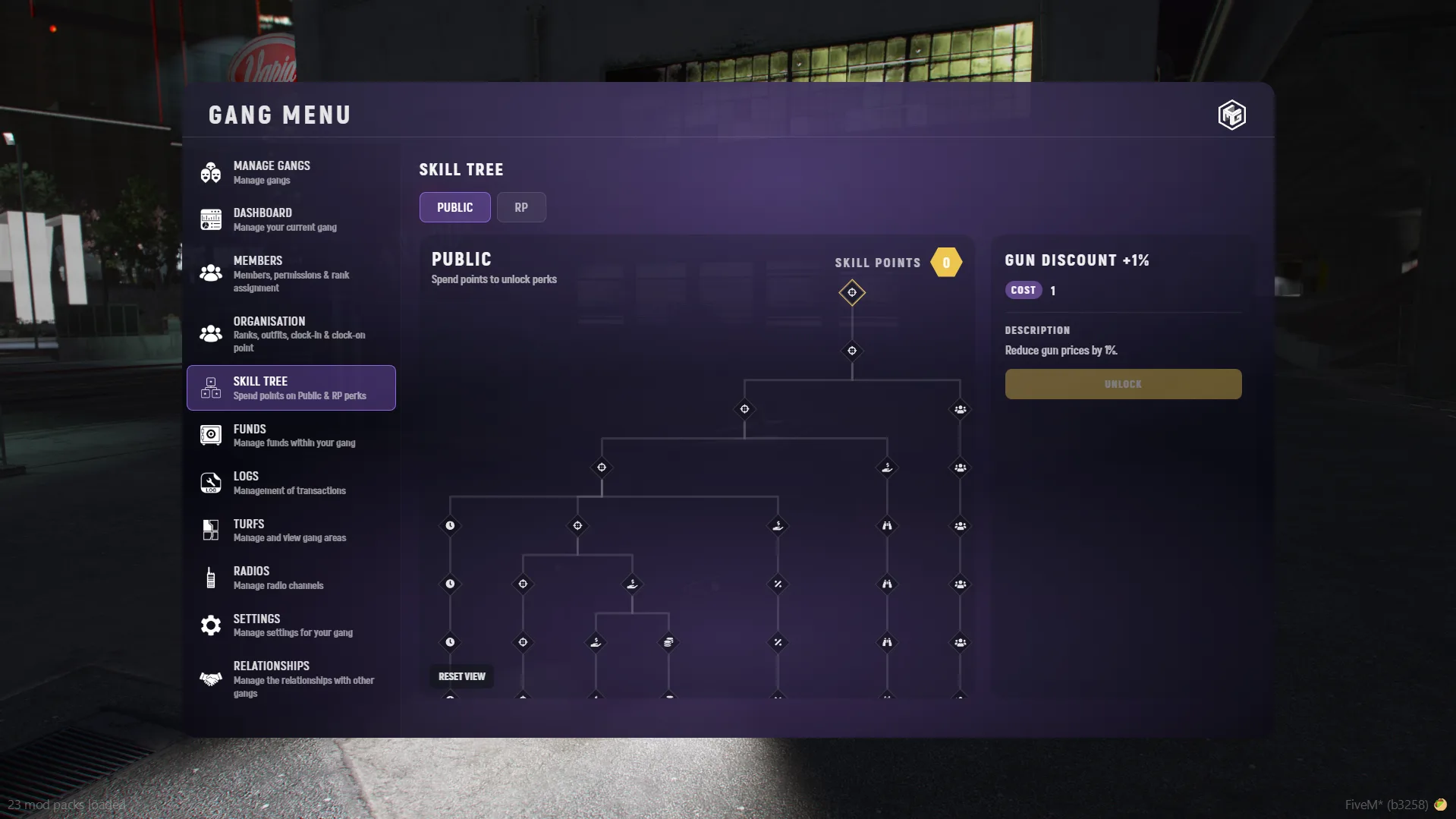
🌳 Skill Tree
- Upgrade gang-wide perks
- Improve efficiency and bonuses
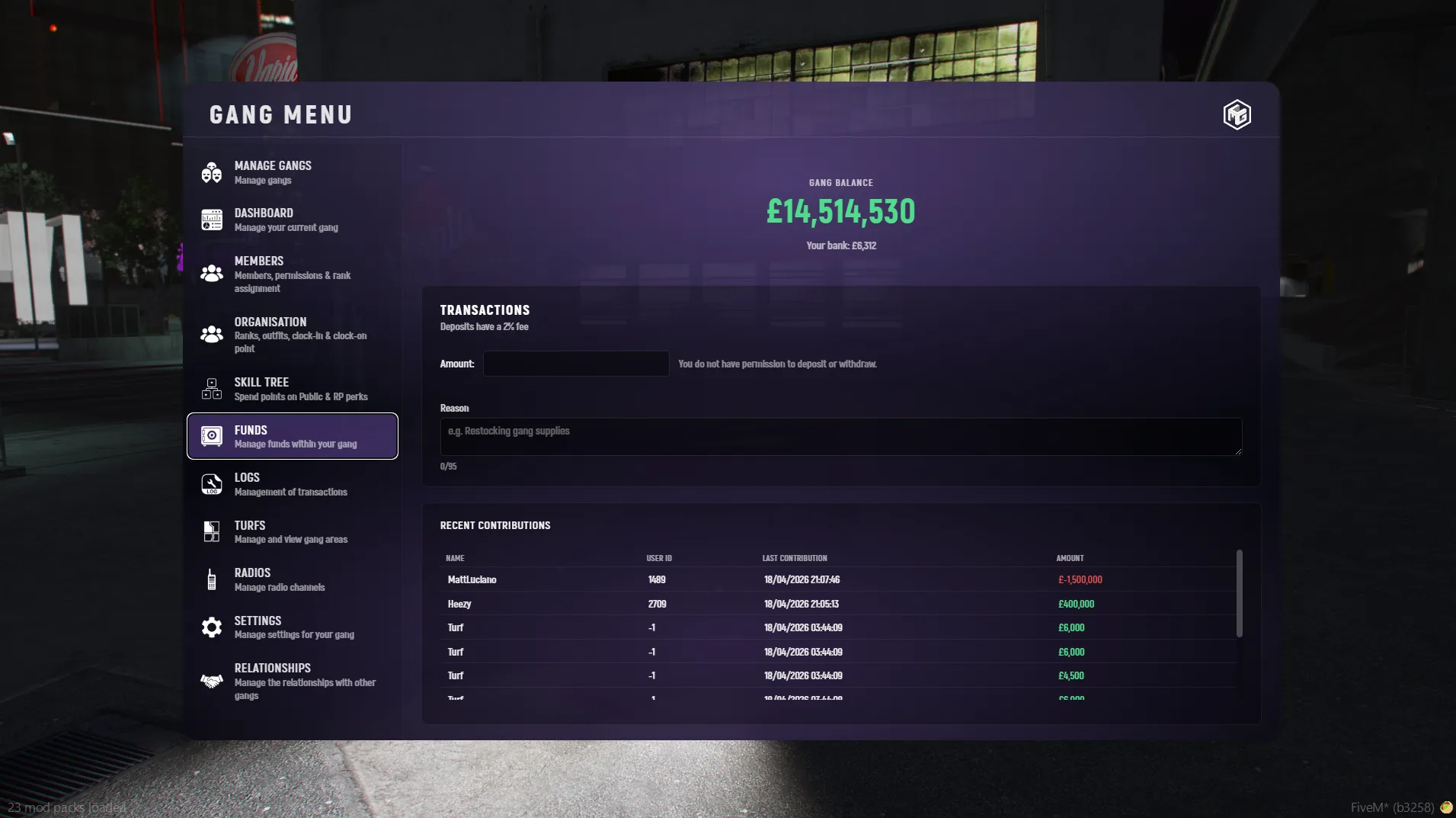
💰 Funds
- View gang balance
- Track income from turfs and activities
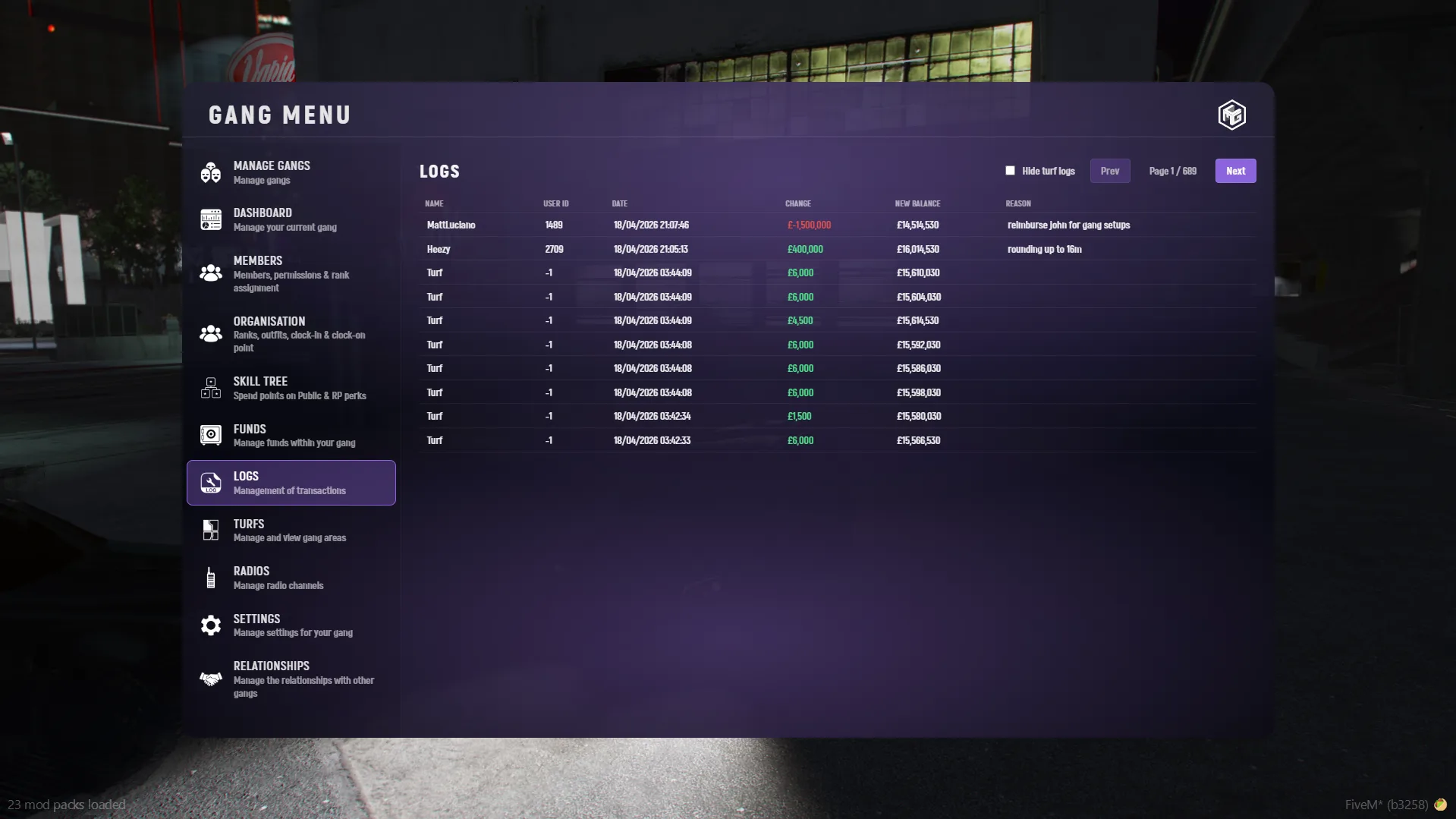
📜 Logs
- See recent gang activity
- Track actions and events
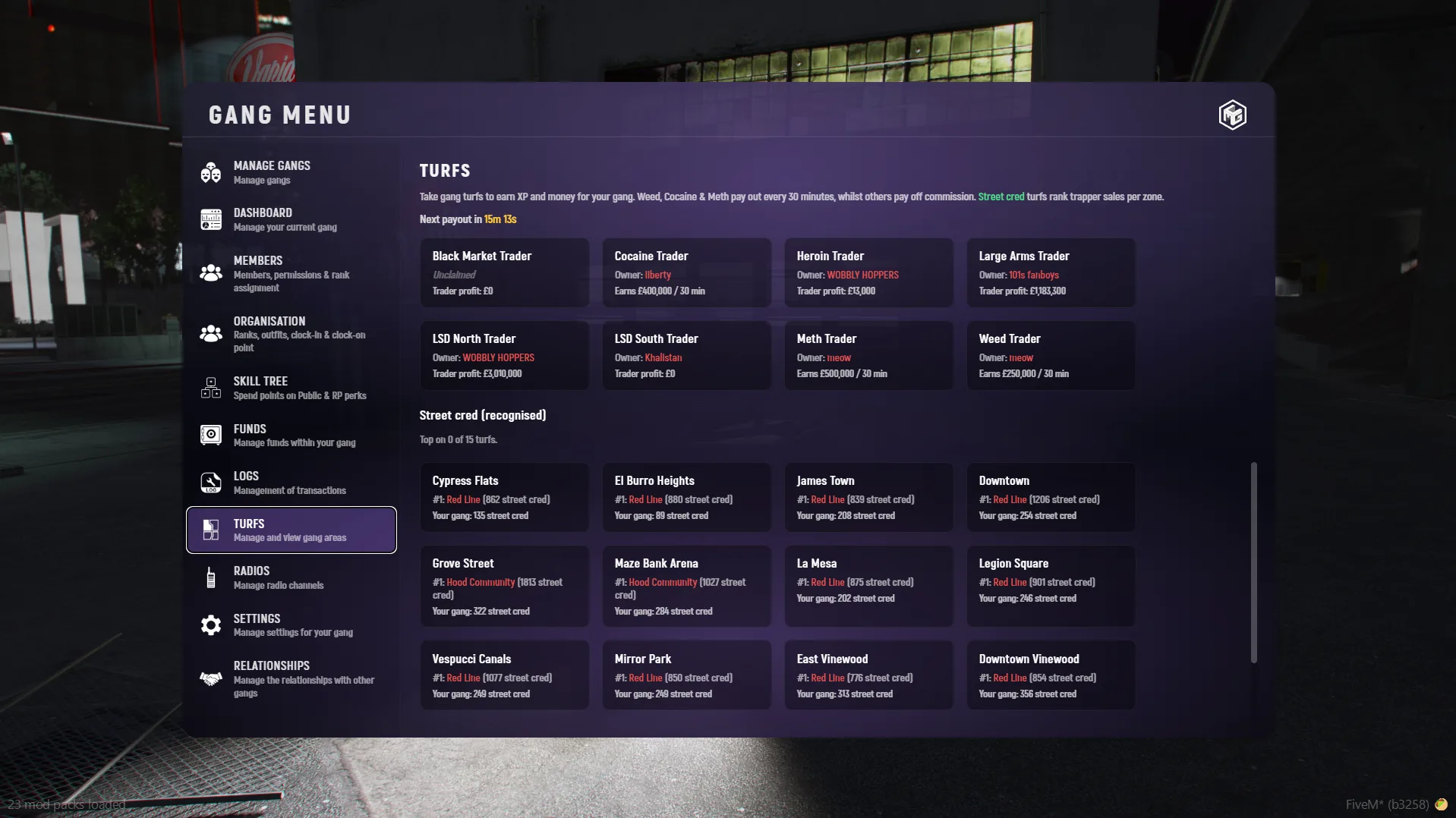
🏙️ Turfs
- View controlled turfs
- Track control and income
- Take control of turfs to earn XP and money for your gang
- Weed, Cocaine & Meth pay out every 30 minutes while controlled
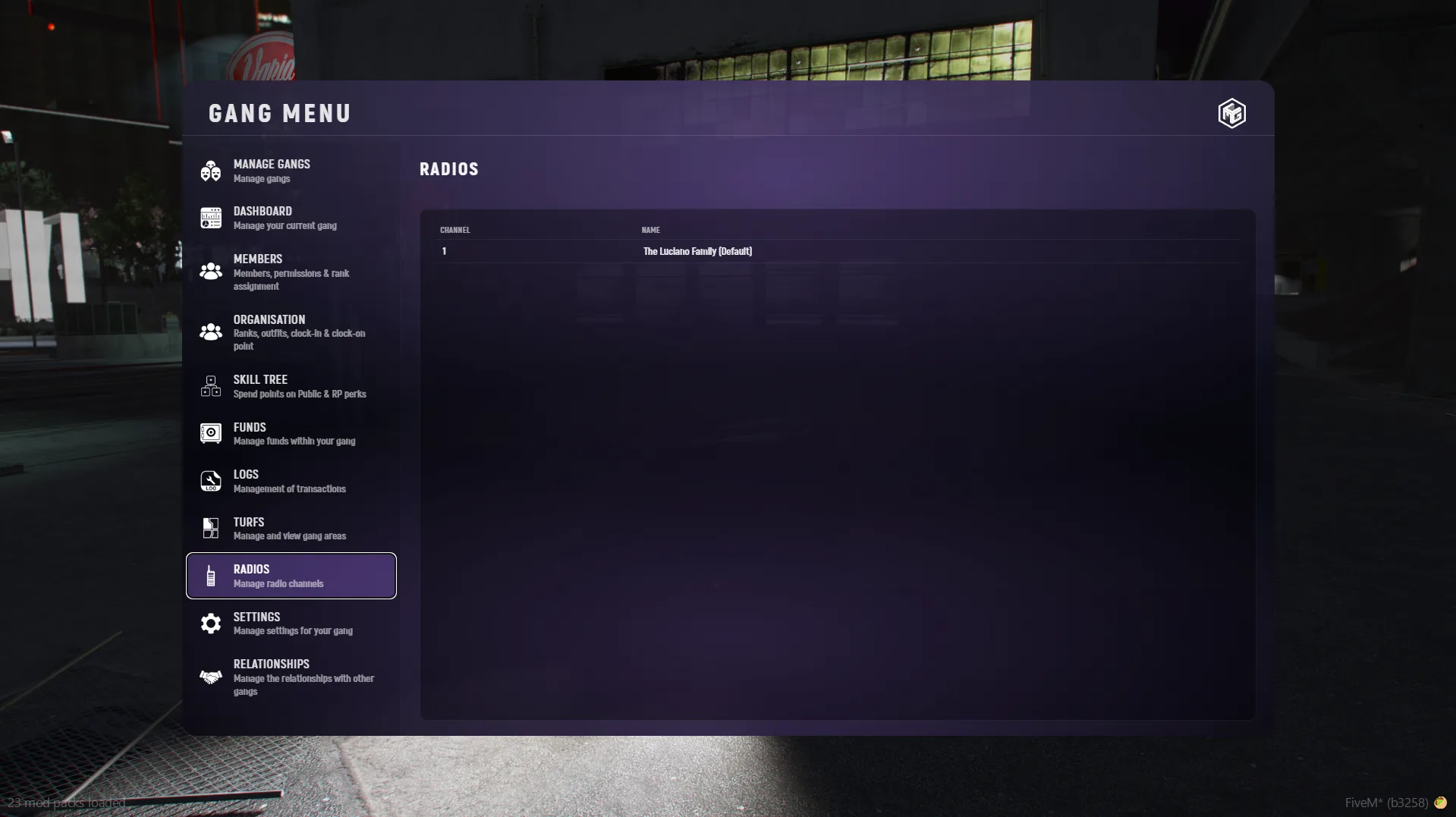
📡 Radios
- Manage gang communication channels
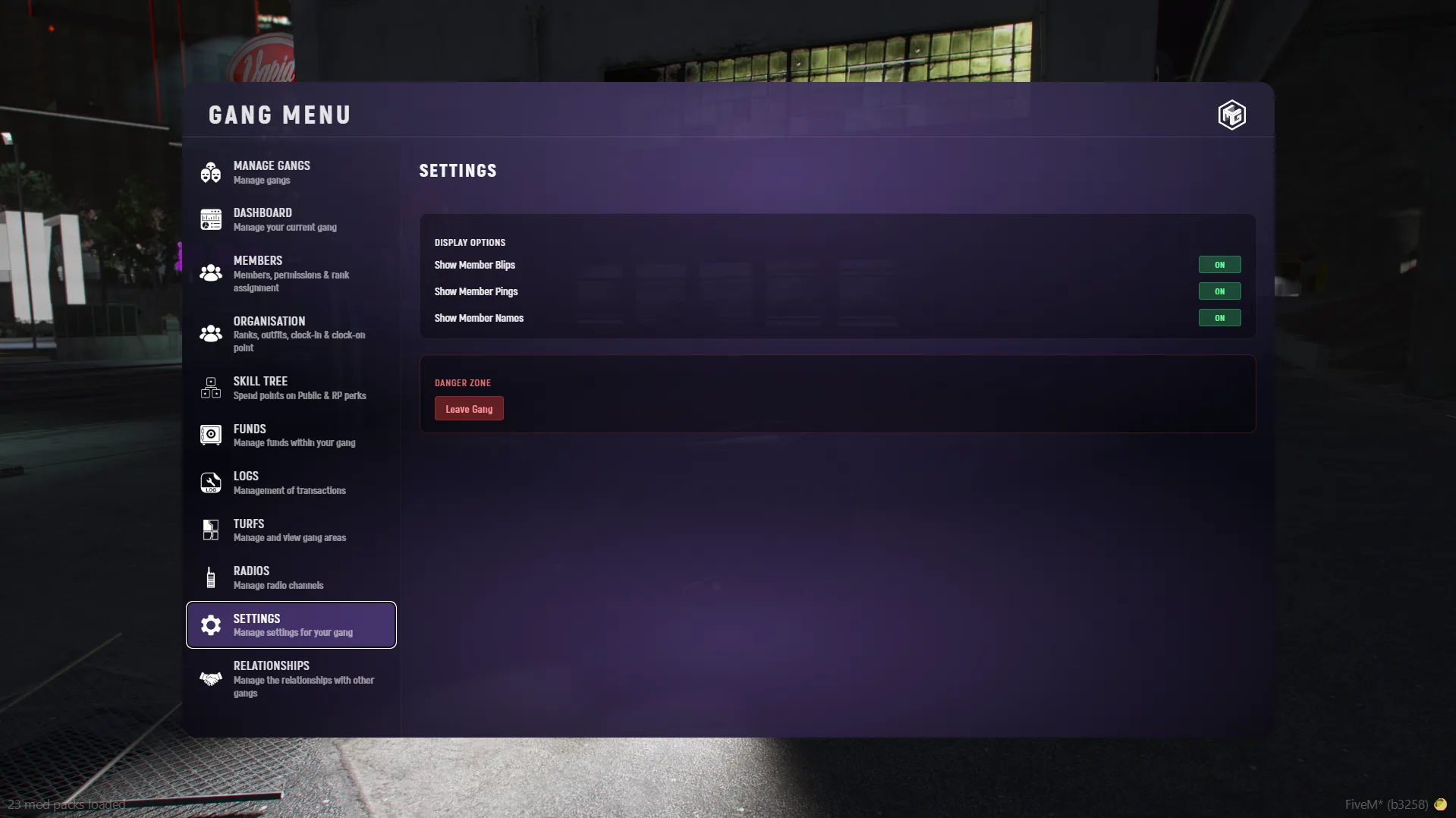
⚙️ Settings
- Configure gang preferences
- Security settings
- Display options
- Leave or disband a gang
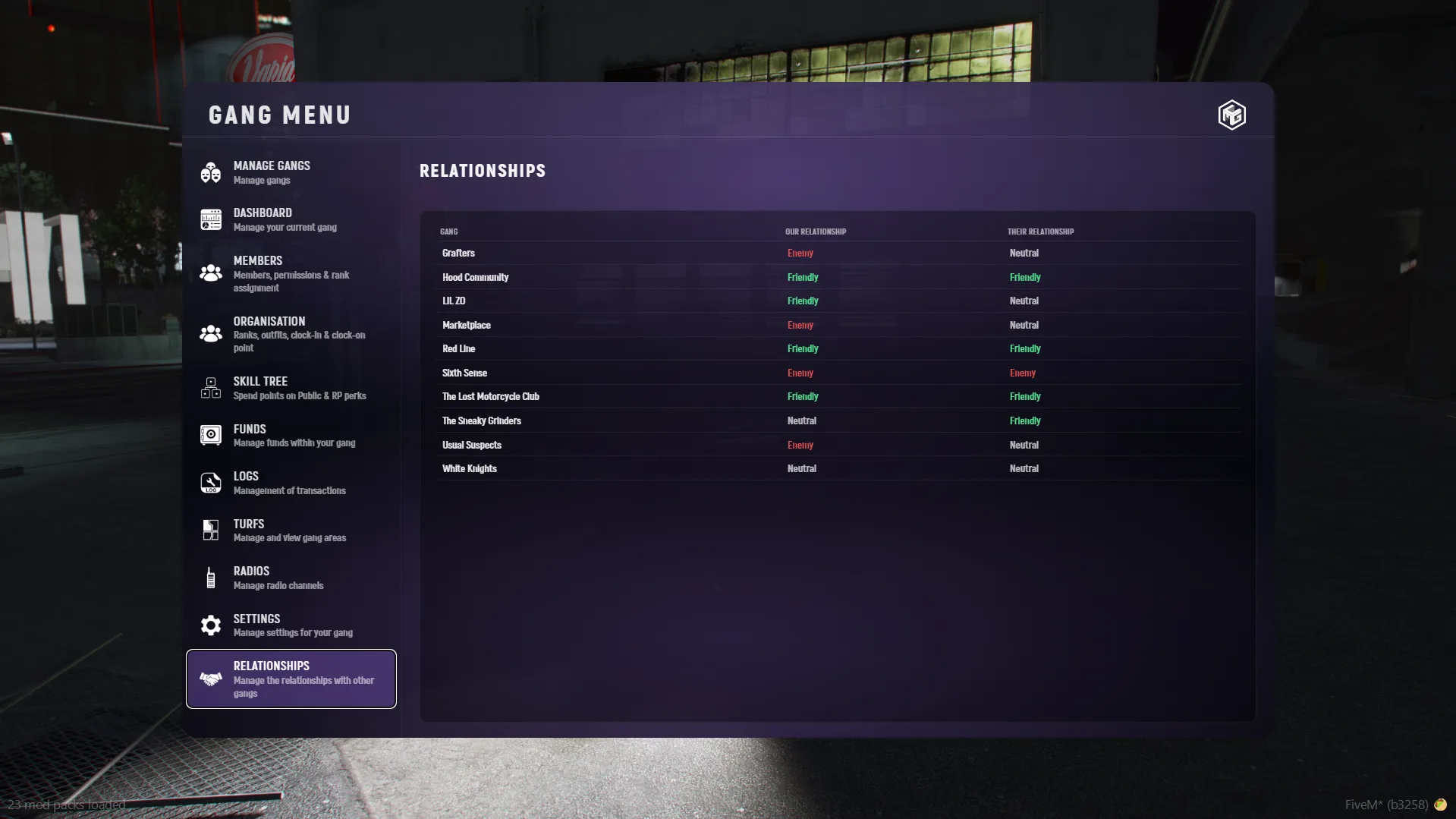
🤝 Relationships
- Manage alliances and rivalries with other gangs