
HUD
🎛️ Customising Your HUD
You can fully customise your in-game HUD to match your preferences.
⚙️ How to Access HUD Settings
- Press F2
- Open Settings
- Select HUD Settings
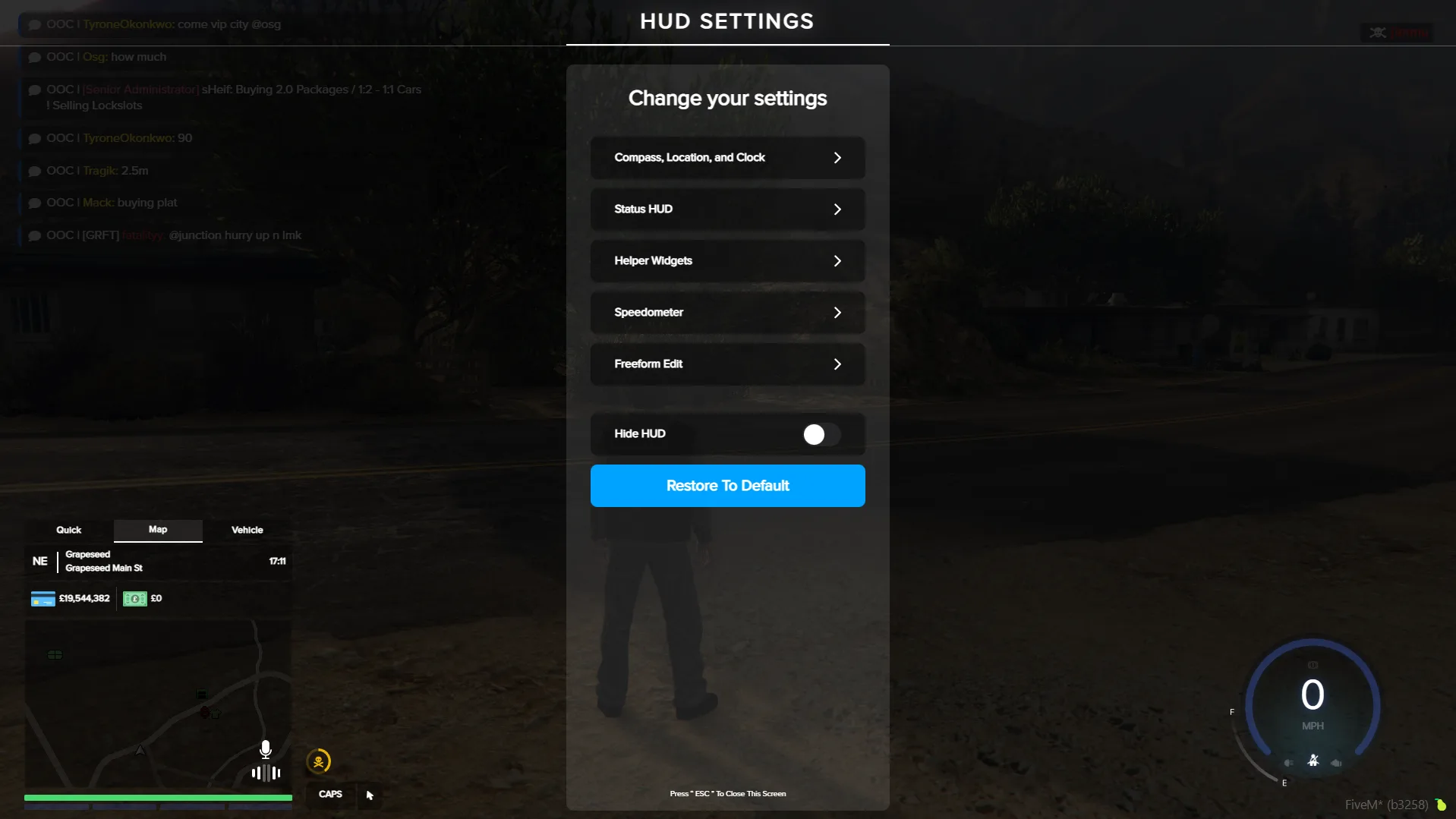
🎨 What You Can Customise
From here, you can adjust:
- 📍 Position - Move HUD elements anywhere on your screen
- 📏 Size - Scale elements like the speedometer
- 👁️ Visibility - Show or hide specific HUD components
- 🎨 Colours - Change the look to suit your style
🧩 Advanced Customisation
- 🖱️ Freeform positioning - Drag and place elements exactly where you want
- ⚙️ Fine-tune your layout for better visibility while driving or in combat