
Trapper Job
Before you can start making money as a Trapper, you’ll need to set up your warehouse and equipment.
This guide walks you through everything step-by-step from clocking on to growing your first plant.
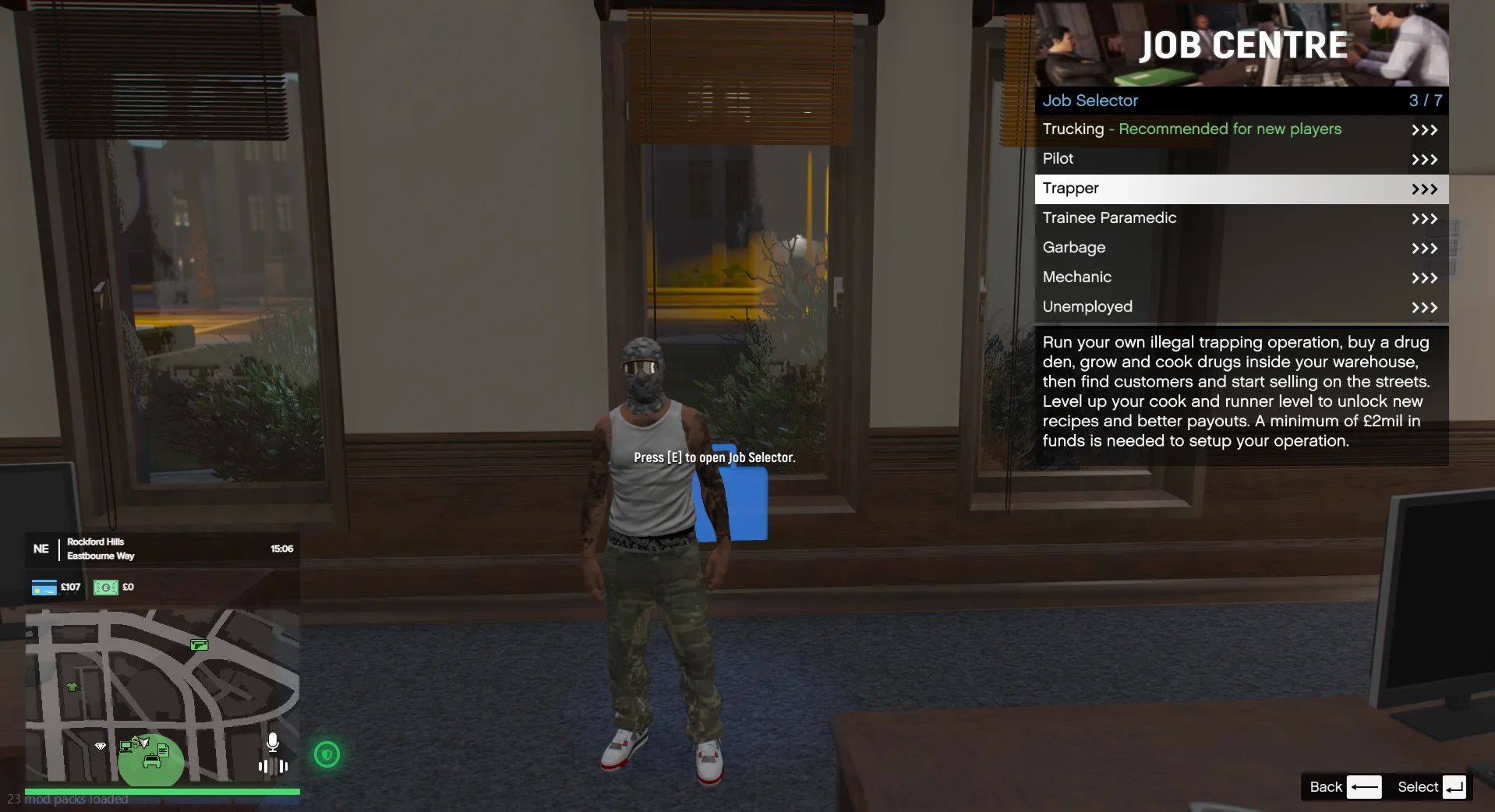
🕐 Step 1 - Clock On
Before doing any job in Logic, you must clock on:
- Go to City Hall
- Select the Trapper job
- Clock on
🏢 Step 2 - Buy a Warehouse
Once clocked on:
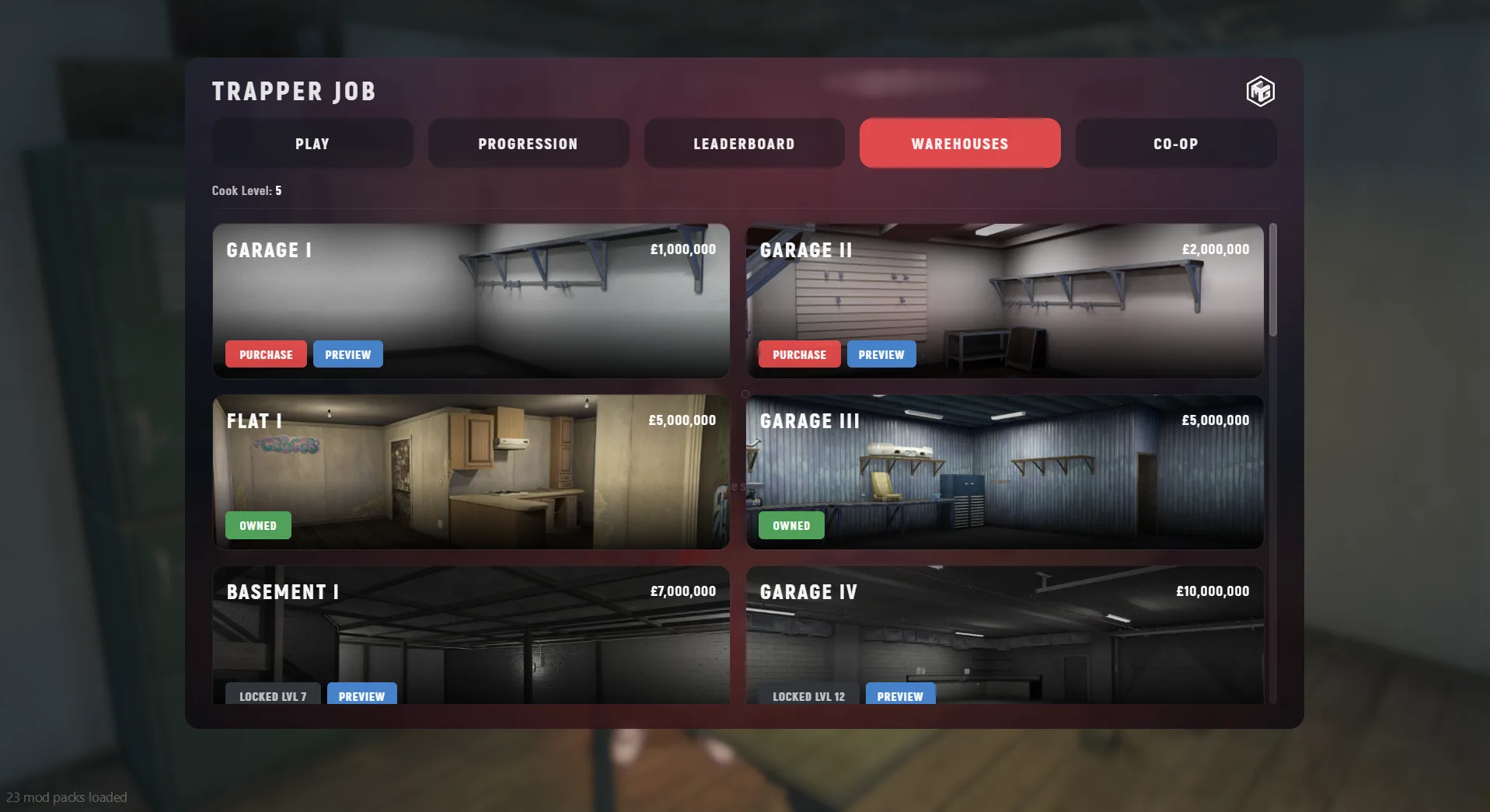
- Go to the Warehouse Seller
- Press E at the table
- Open the Warehouse Menu
- Preview available warehouses
- Purchase your chosen facility
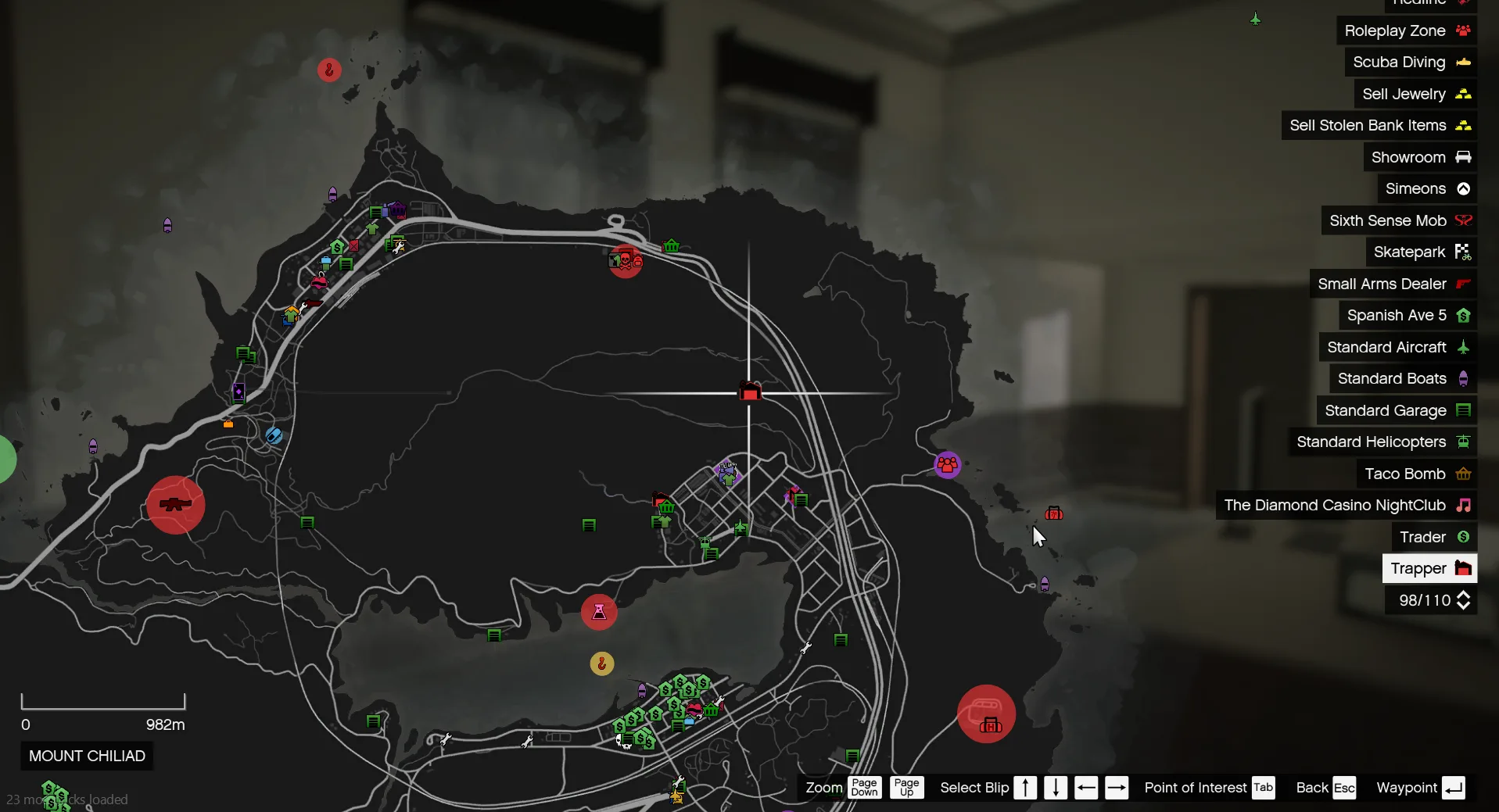
📍 After purchase:
- Your warehouse will appear on the map
- Marked with a red garage icon
🛒 Step 3 - Buy Equipment & Supplies
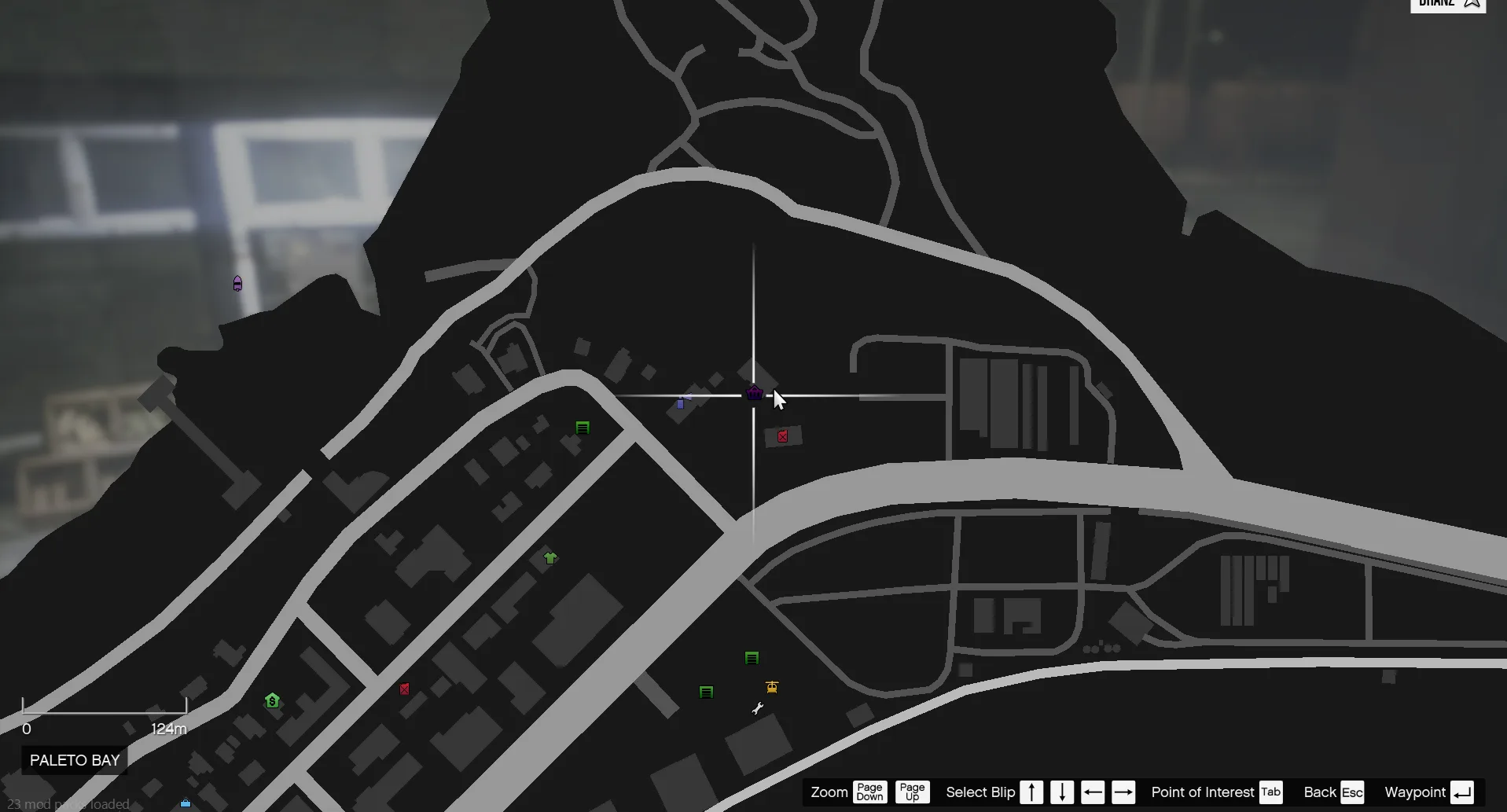
Next, head to:
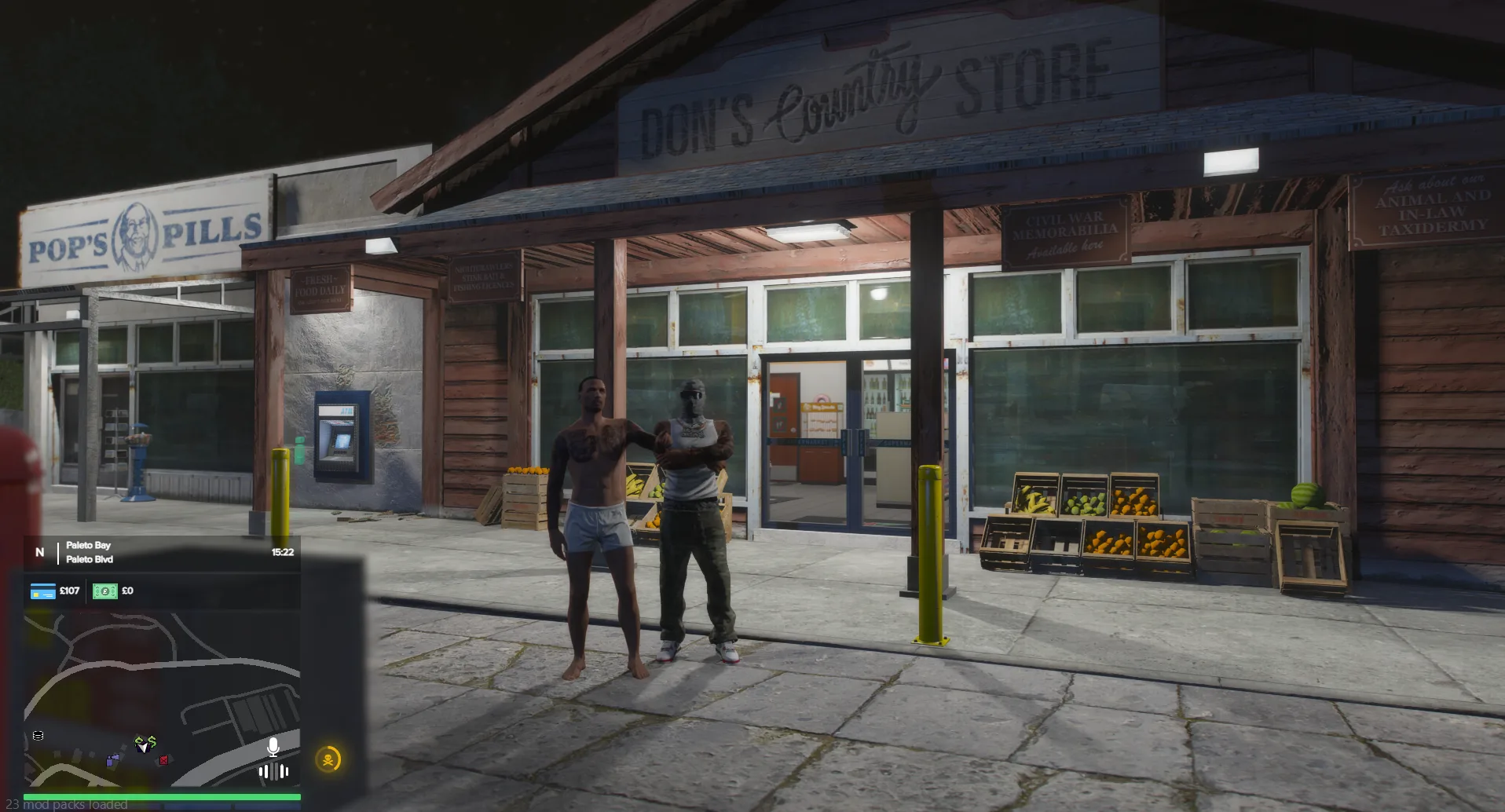
📍 Paleto Convenience Store
Here you’ll need to buy essential items to start production.
🧰 Essential Equipment
Make sure you have:
- 💧 Watering Can - Keep plants hydrated
- 🌱 Bag of Soil - Fill plant pots
- 🪴 Empty Plant Pot - Required to grow plants
- ✂️ Shears - Harvest plants
- 📦 Empty Weed Bag - Package product for sale
- 🗄️ Shelving Unit - Store items in your warehouse
- 🧪 Weed Workbench - Process and bag your product
🏠 Step 4 - Set Up Your Warehouse
Once you have your equipment:
- Return to your warehouse
- Open your inventory (hotbar at bottom of screen)
- Select items using number keys
- Place them inside your warehouse
👉 Set up your space efficiently for faster production later.
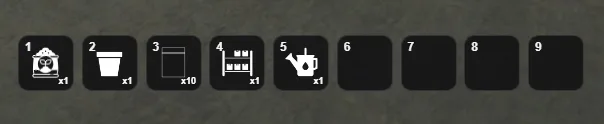 Hotbar
📦 Step 5 - Order Seeds (TrapNet)
Now it’s time to get your first materials:
- Open your phone
- Go to the TrapNet app
- Navigate to the Supplies tab
- Order Cannabis Seeds
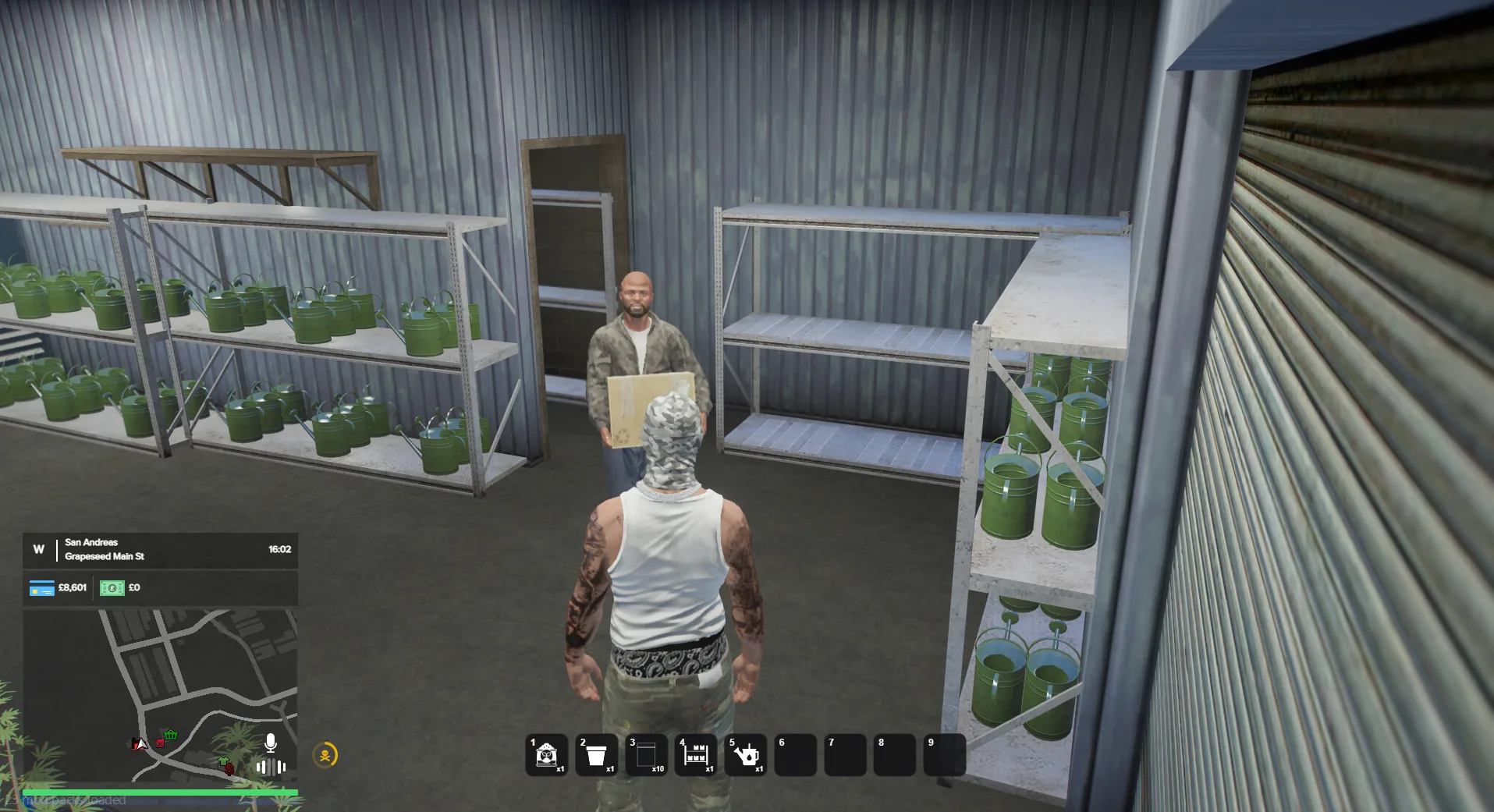
⏳ Step 6 - Wait for Delivery
- Do not leave the warehouse while waiting, or your order will be cancelled.
- Wait approximately 1 minute
📦 When it arrives:
- Press E on the package to collect it
🌱 Step 7 - Start Growing
You now have everything needed to begin:
- Place your plant pots
- Add soil
- Plant your seeds
- Begin watering and maintaining your plants
👉 You are now officially running your first Trapper operation.
🌿Growing, Processing & Selling
Now that your warehouse is set up, it’s time to grow, process, and sell your first product.
🌱 Growing Your First Plant
Great you're ready to begin your first grow.
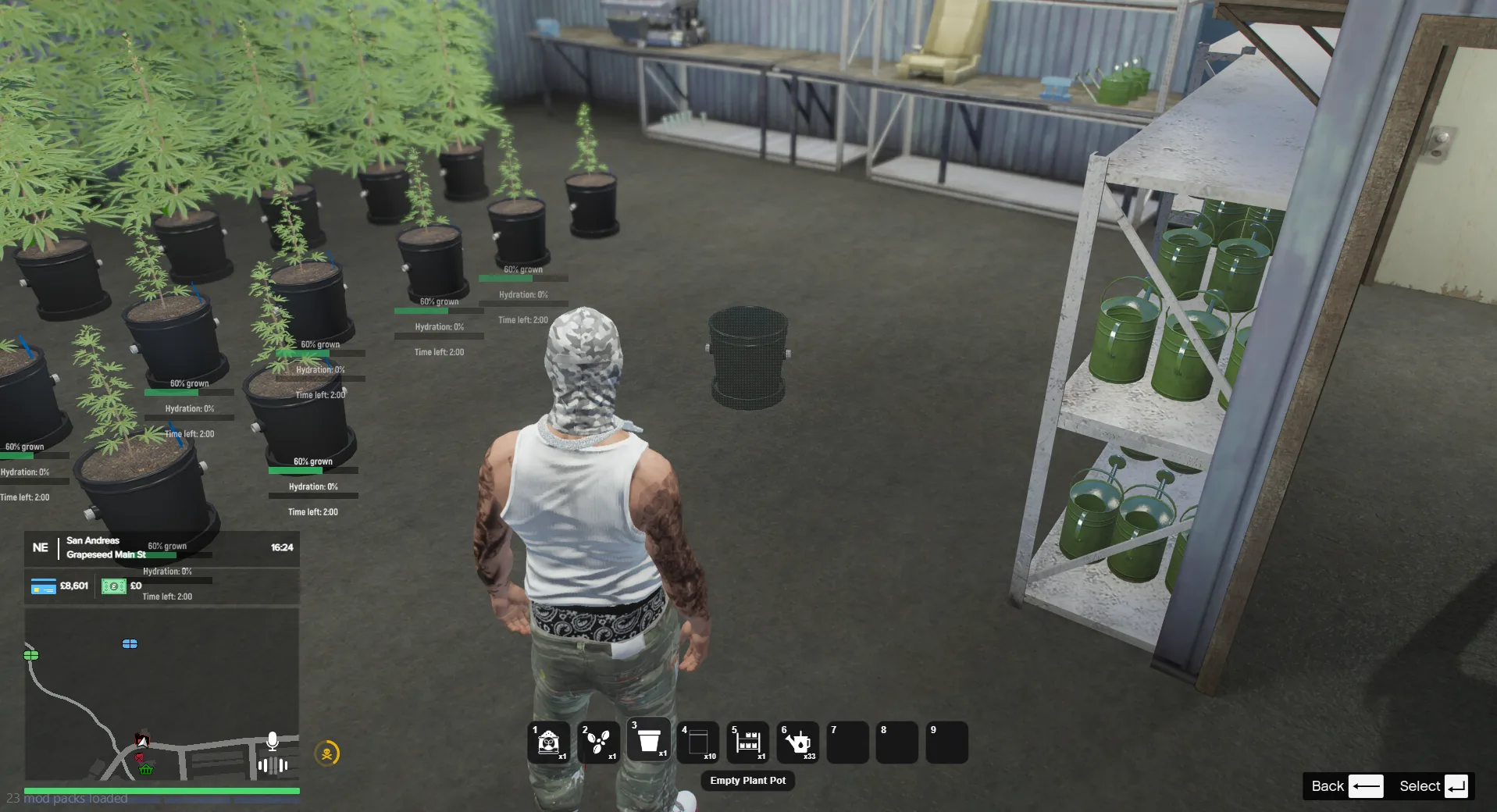
🪴 Step 1 - Place a Plant Pot
Inside your warehouse:
- Select Empty Plant Pot from your hotbar
- Choose where to place it
- Press E to place it down
🌱 Step 2 - Add Soil
- Select Soil from your hotbar
- Look at the plant pot
- Press E to fill it
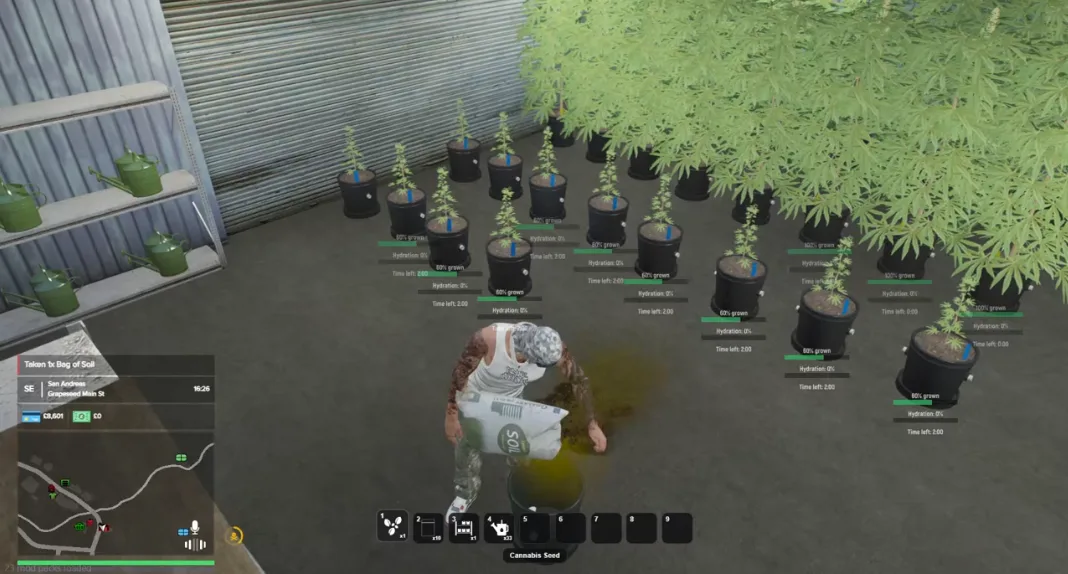
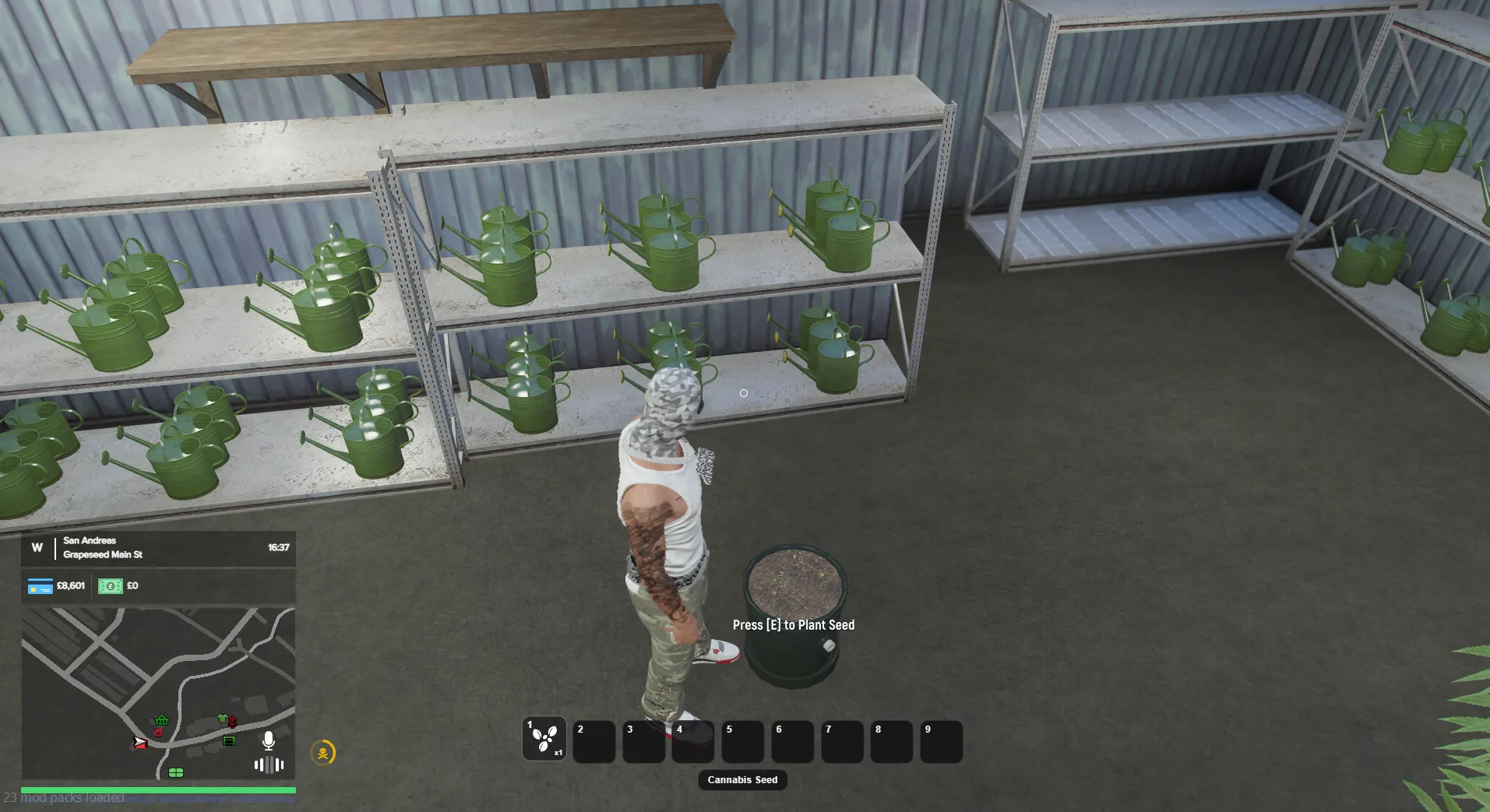
🌿 Step 3 - Plant Seeds
- Select Seeds from your hotbar
- Press E on the pot to plant
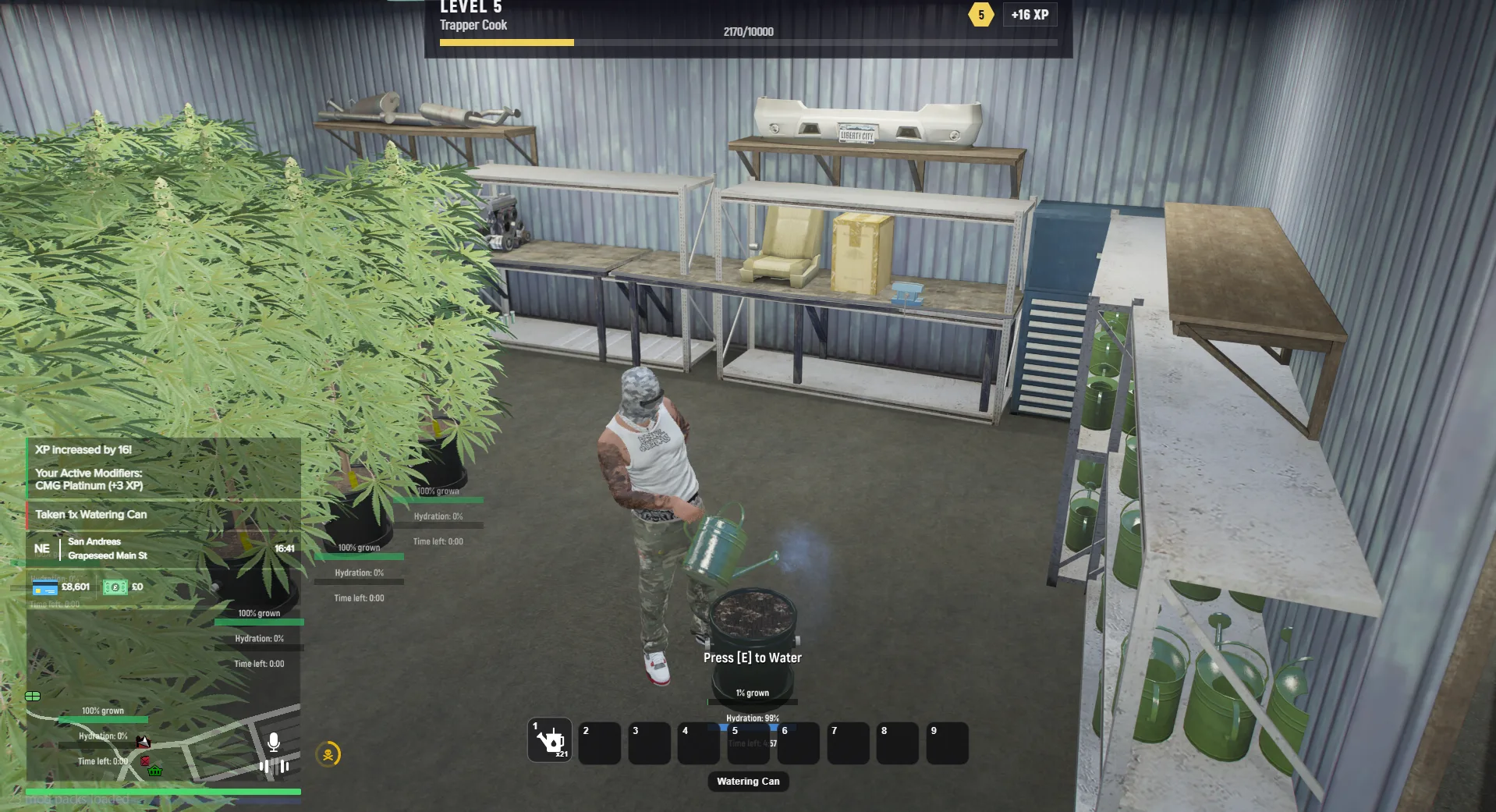
💧 Step 4 - Water Your Plant
- Select Watering Can
- Press E on the pot
⚠️ Important:
If your plant is not hydrated, it will not grow.
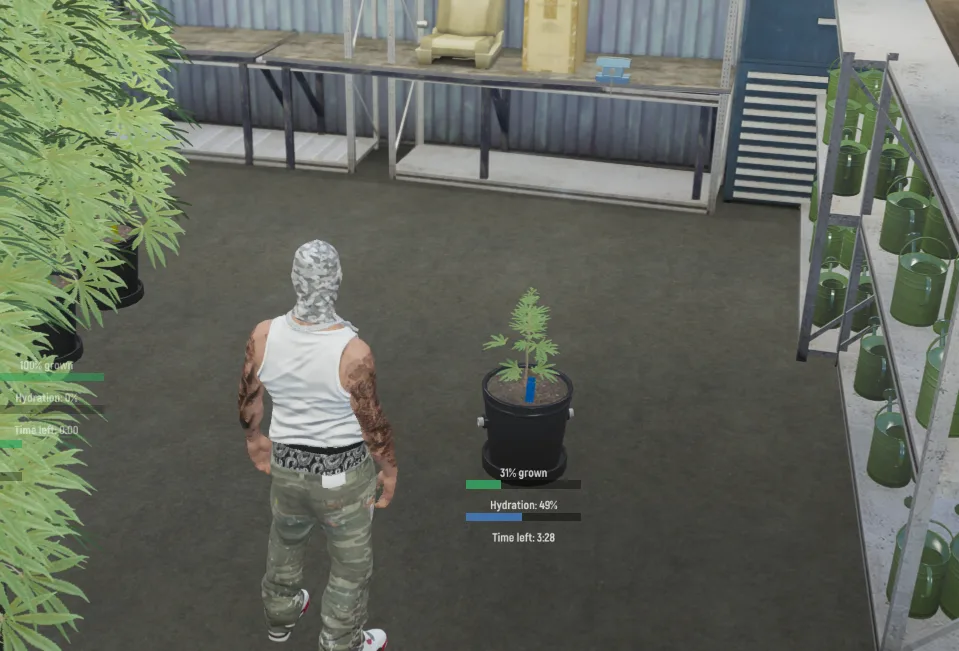
⏳ Step 5 - Let It Grow
- Monitor hydration levels
- Wait for the plant to fully grow
🌿 Step 6 - Harvest
Once fully grown:
- Select Shears
- Press E on the plant
👉 You will receive Cannabis Bud in your inventory.
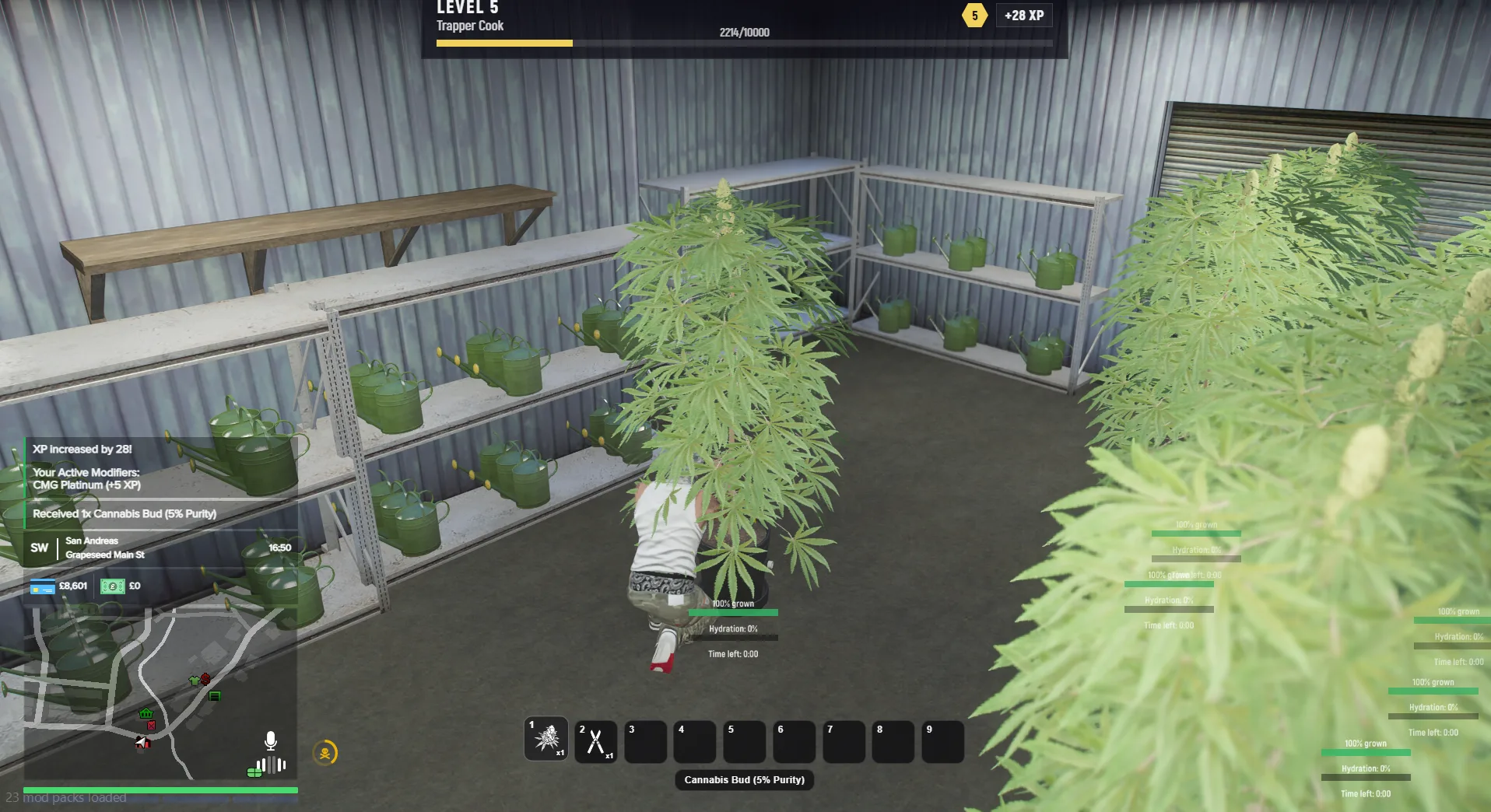
💎 Purity & Progression
- 📈 Levelling up your Cook progression increases Purity %
- 💰 Higher purity = higher sale value
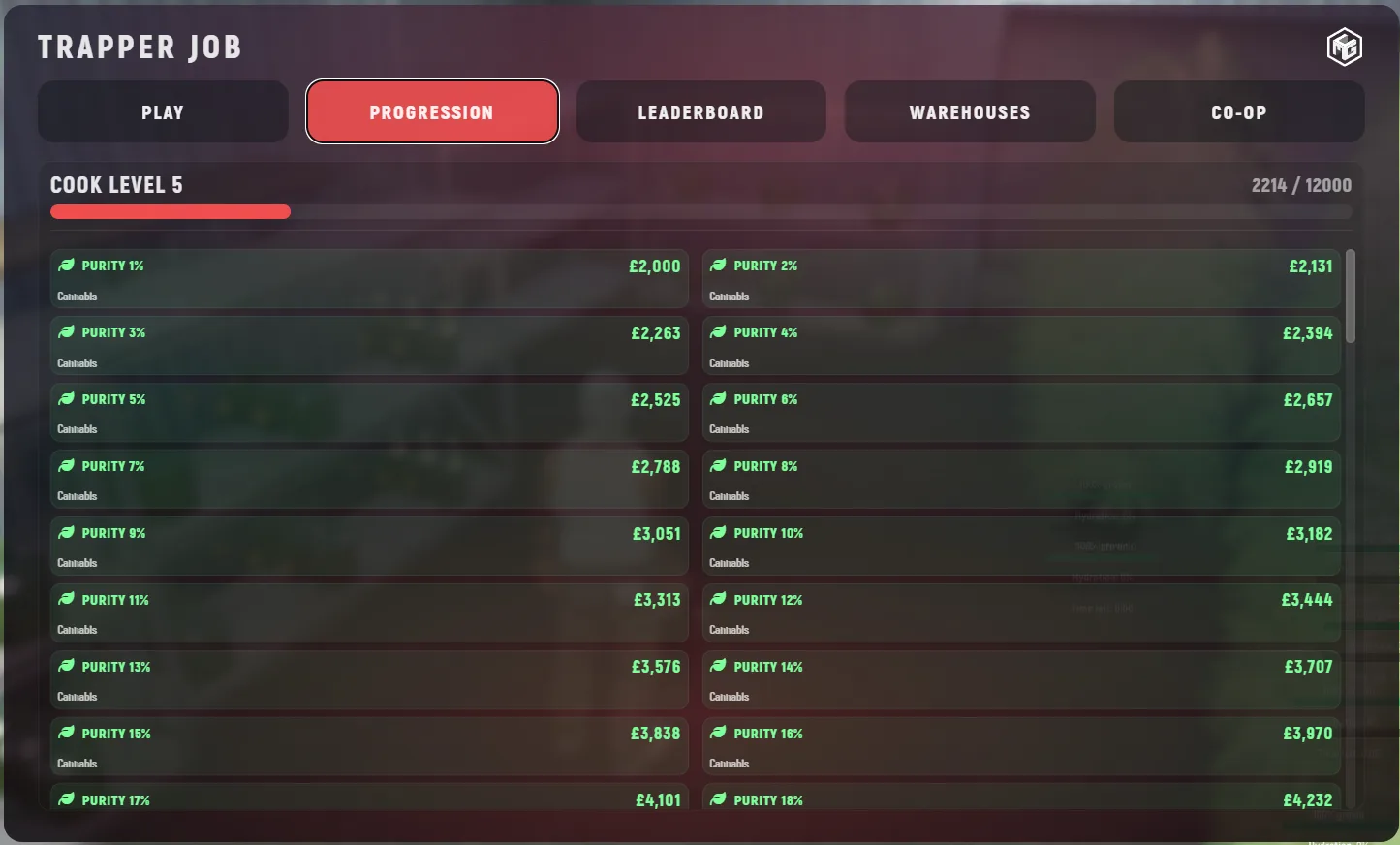
⚙️ Processing Your Weed
Now turn raw product into sellable goods.
🧪 Step 7 - Use the Weed Workbench
- Select Cannabis Bud
- Press E on the Weed Workbench
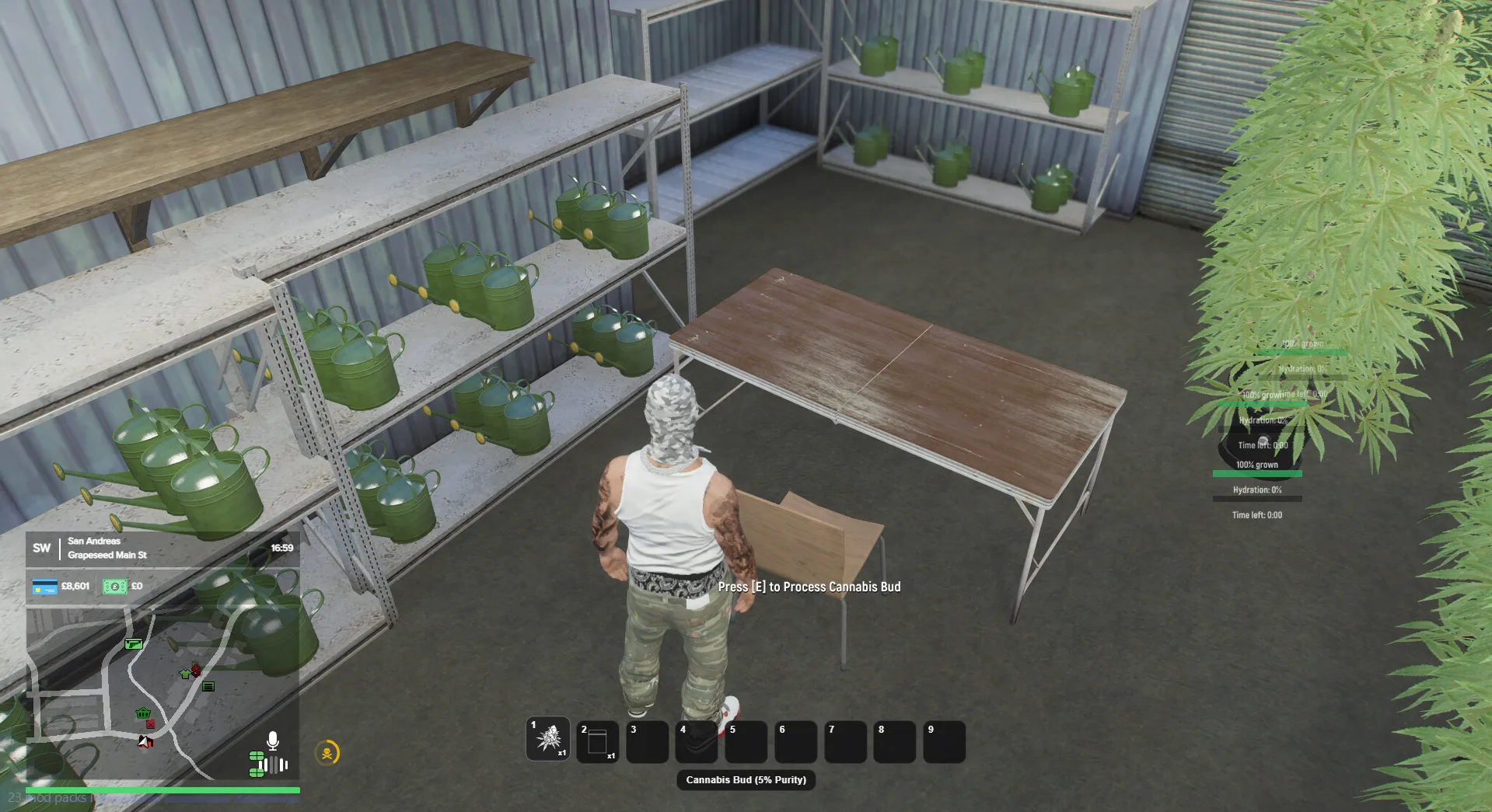
✂️ Step 8 - Process Buds
Inside the workbench:
- Click a bud
- Click the leaves to remove them
- Repeat for all buds
👉 Press Backspace to exit when done.
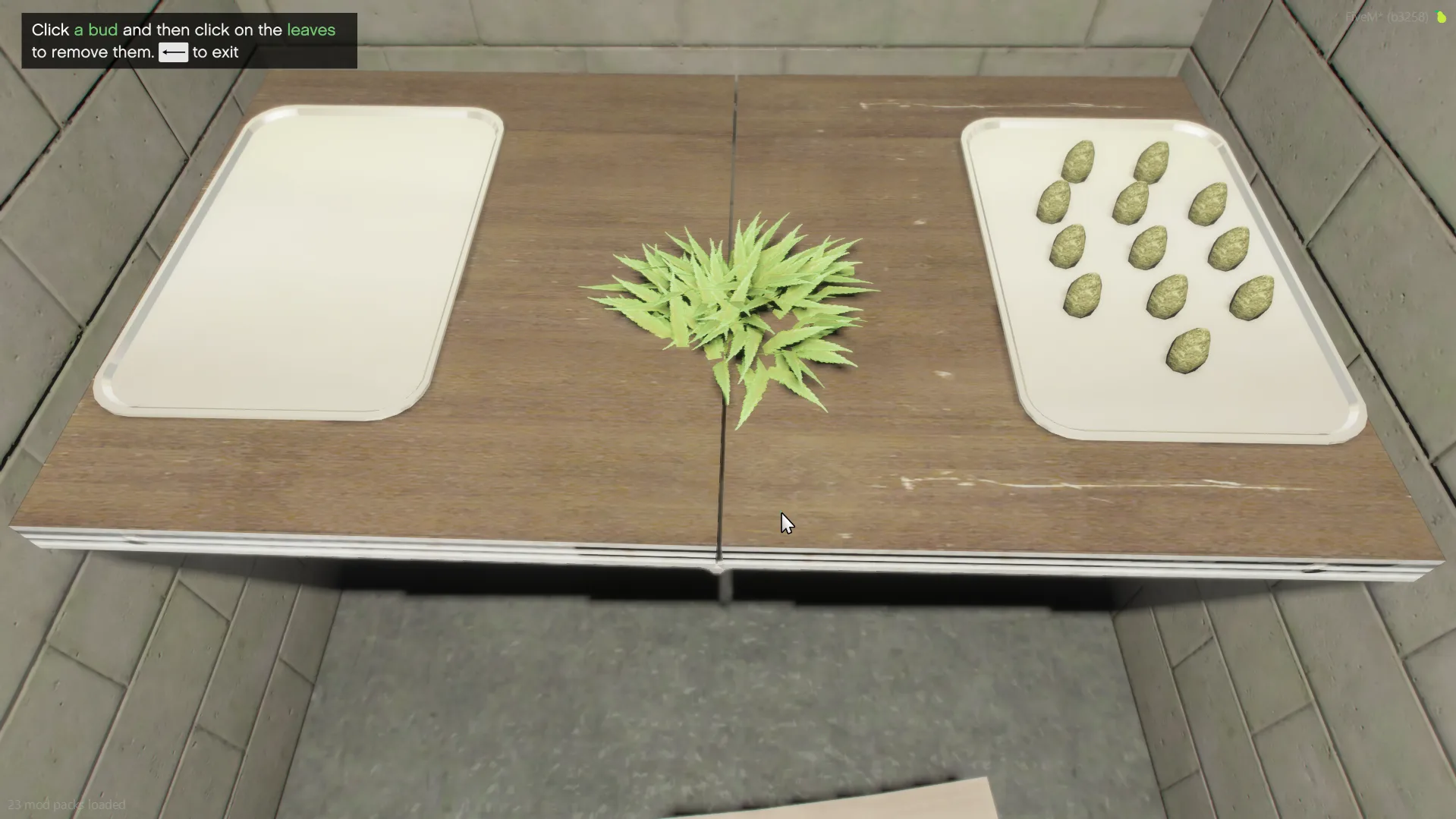
📦 Bagging Your Product
🛍️ Step 9 - Bag Your Weed
Before starting:
- Make sure you have Empty Weed Bags
Then:
- Select Processed Cannabis Bud
- Press E on the workbench
Inside:
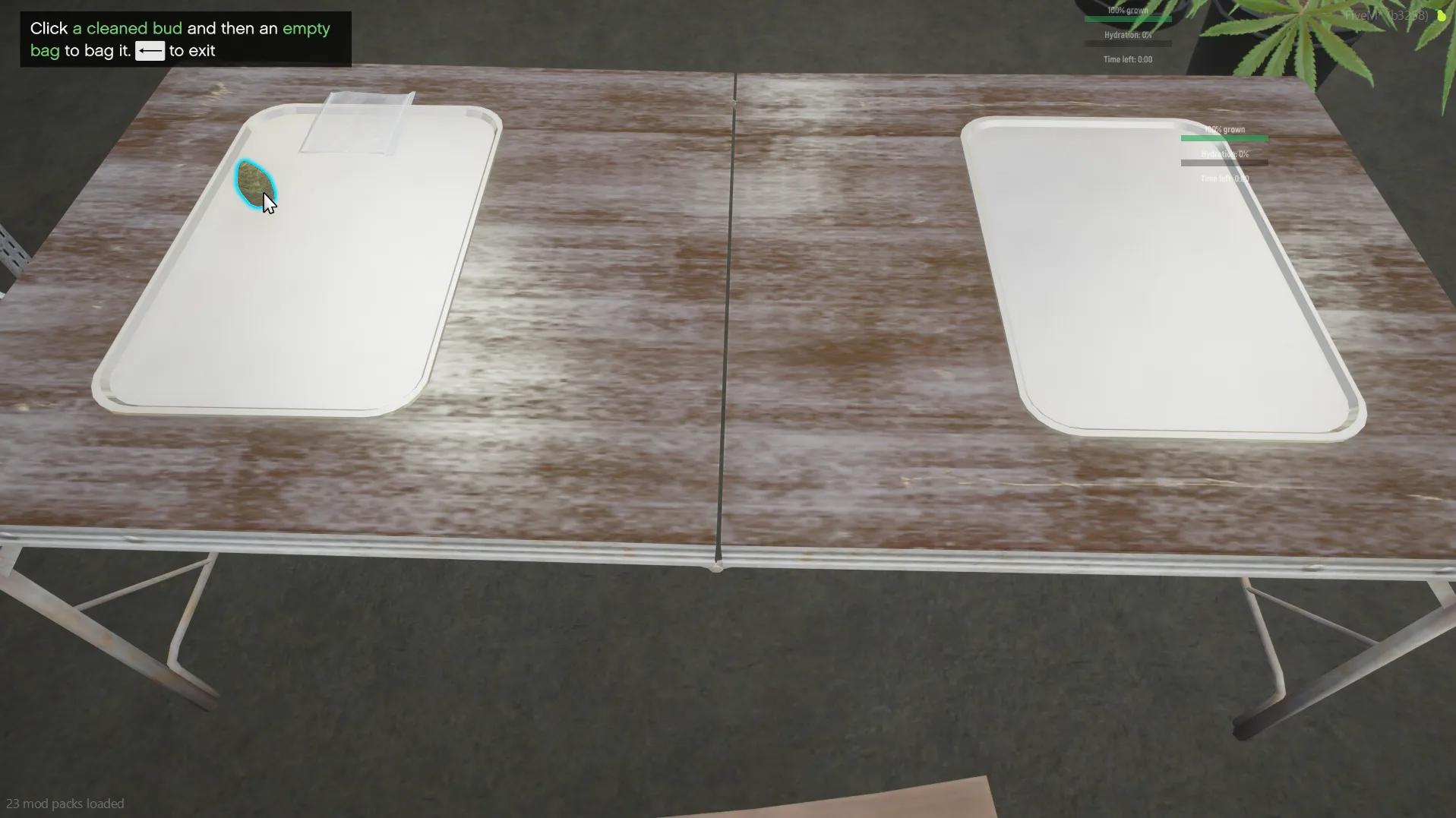
- Click a processed bud
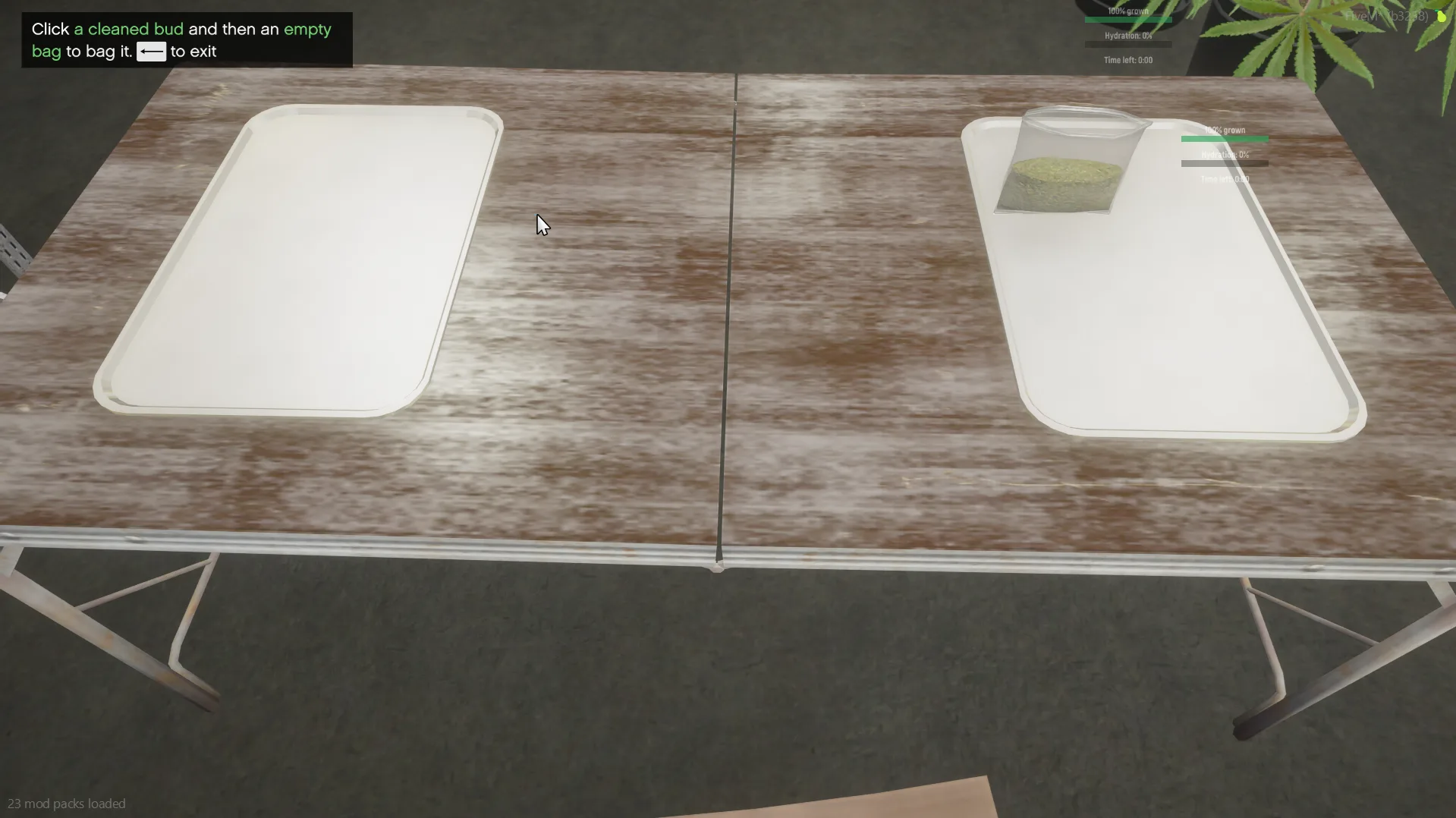
- Click an empty bag
- Wait for it to package
👉 Repeat for all product
👉 Press Backspace to exit
🎉 You now have your first Bag of Cannabis
🧠 Picking Up Items
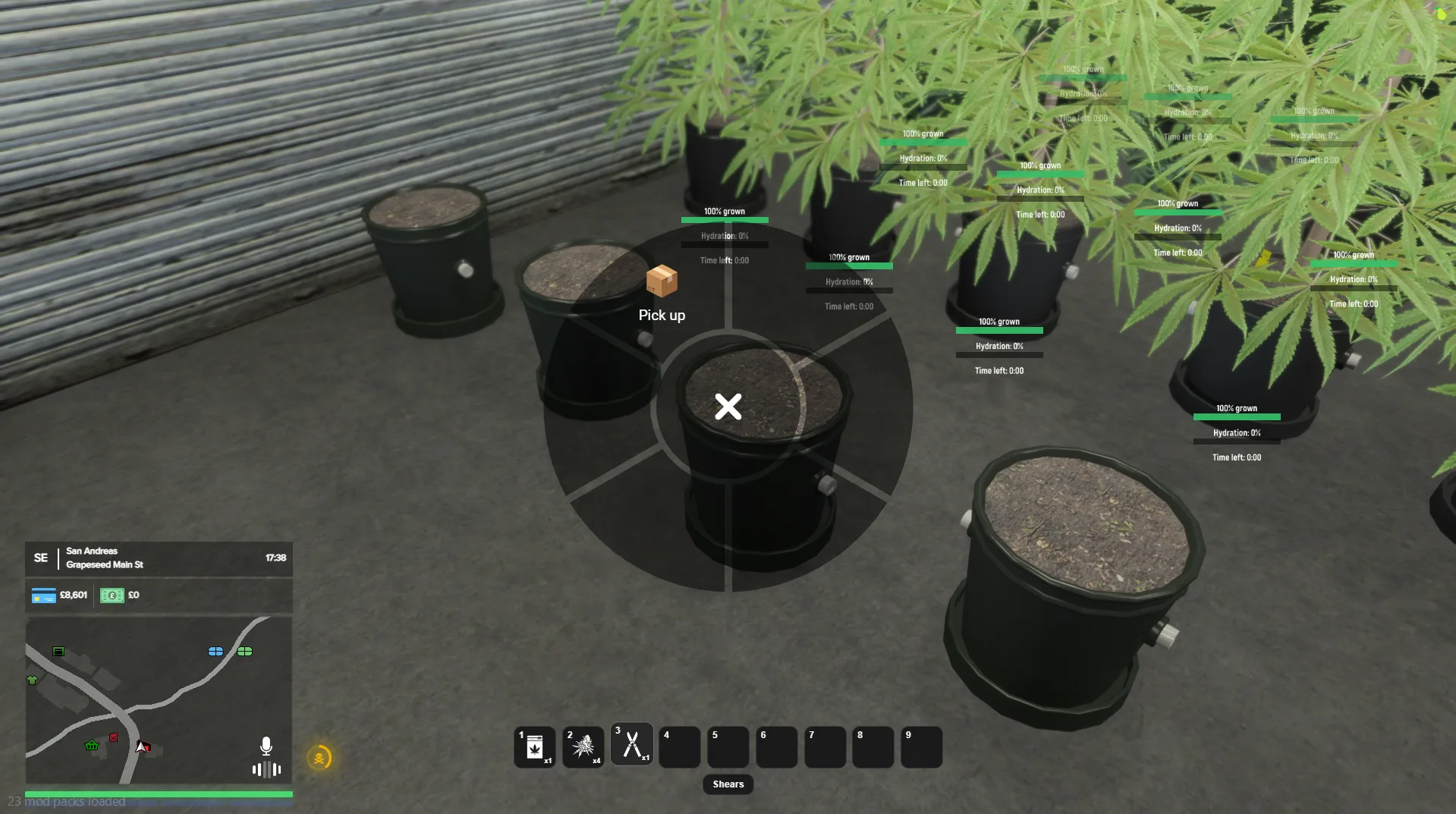
To pick up placed items:
- Press E while looking at the item
💡 If struggling:
- Press V to go first-person for better accuracy
💰 Selling Your Weed
Now it’s time to make money.
📱 Step 10 - Find Customers
- Open your phone (K)
- Open the TrapNet app
- Go to the Sell menu
💬 Step 11 - Contact Buyers
- Select a customer
- Click the green message
- Wait for their response
👉 If they want to buy:
- A map marker will appear
📍 Step 12 - Deliver the Product
- Go to the marked location
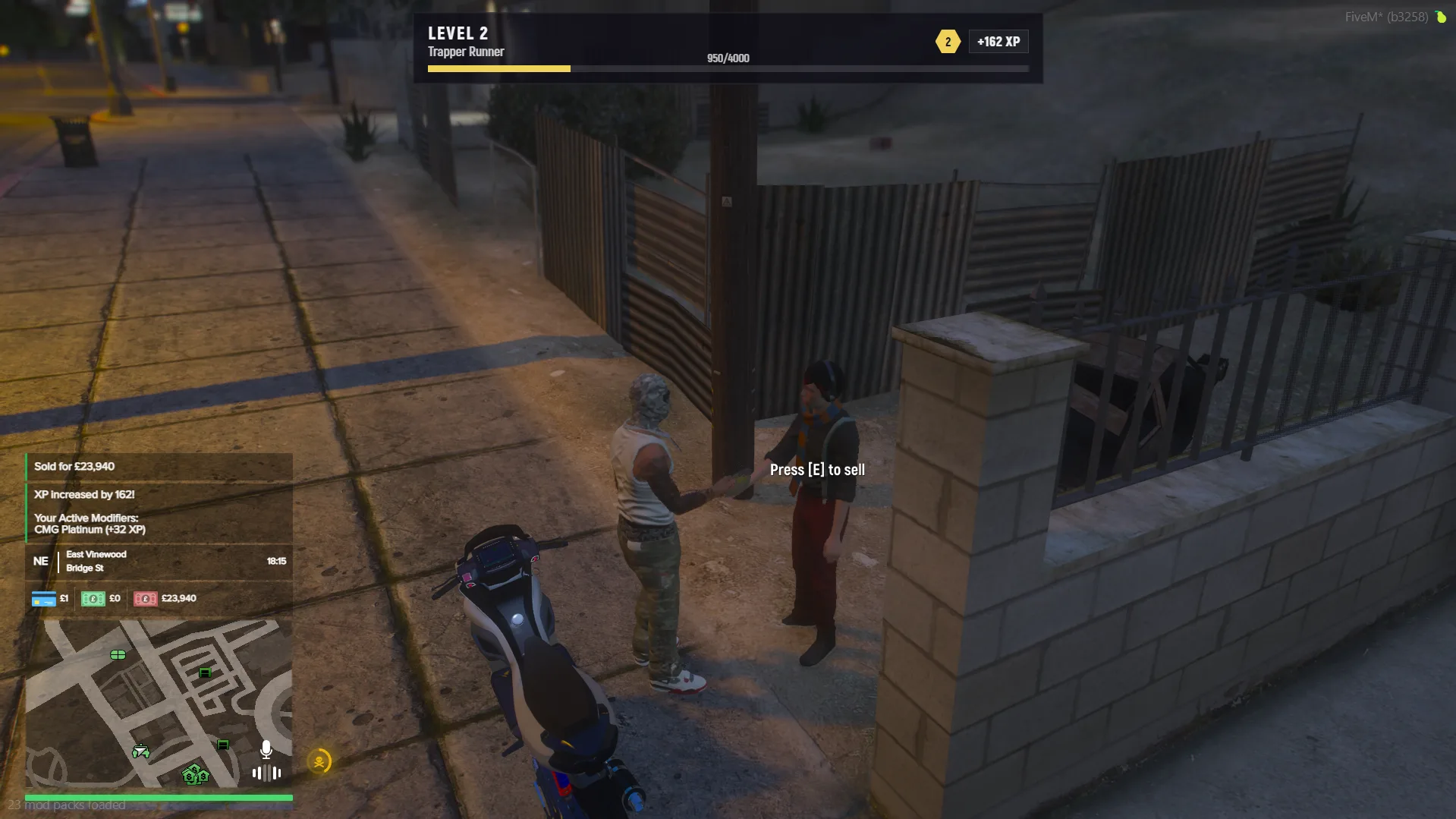
- Press E on the NPC
- Sell your product
💡 You can sell up to 10 bags per customer
🔁 Step 13 - Repeat & Scale
- Keep contacting customers
- Keep selling
- Expand your operation
👉 This is how you build your drug empire